AGLC4
Finally Made Easy

Designed for Australian law students. Build complex footnotes, create bibliographies, manage pinpoints and quotations, all with Pincite. Stop losing marksStop stressingNo AINo compromises

Full access. Completely free. No card required.

Footnote

Patricia Wellman, ‘Statutory Interpretation and Federalism’ (2018) 44(2) Melbourne Law Review 517, 522.

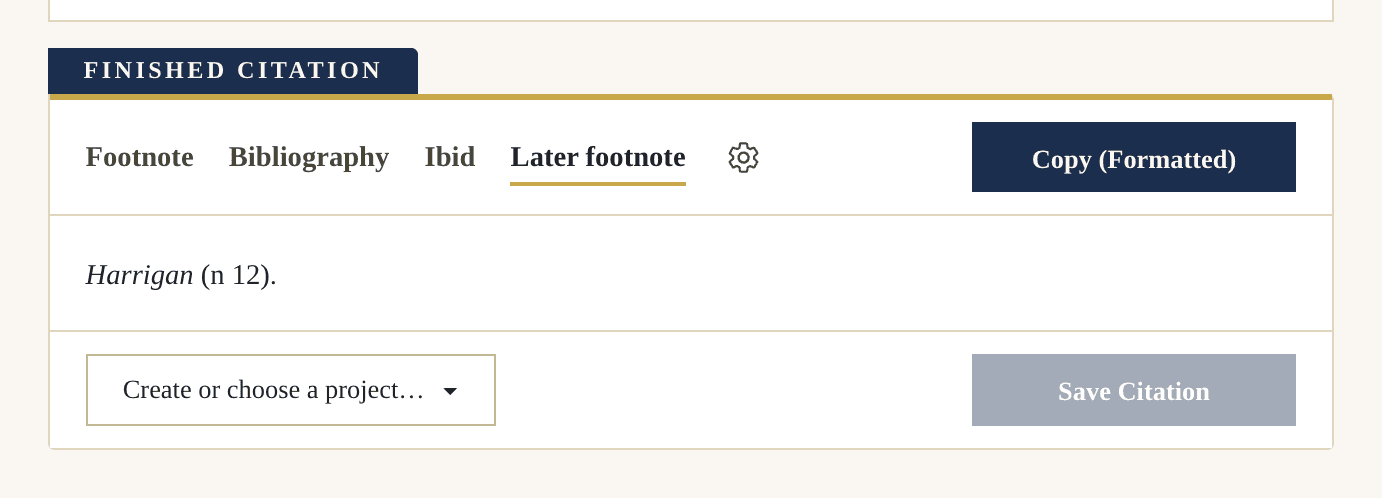
Later footnote

Wellman (n 12) 522.

Bibliography

Wellman, Patricia, ‘Statutory Interpretation and Federalism’ (2018) 44(2) Melbourne Law Review 517

No AIEasy to Use160+ citation types

Reference Like an Expert

LAWS5120 Example Essay.docx

III Context and Purpose

The better view is that context controls. In Harrigan v Bellamy, the High Court read the disputed power against the statute as a whole. Mason CJ put the point beyond argument:

‘The [T]he grant of power takes its colour from the purpose of the statute, statute and in my view a court falls into error the moment it reads them [the words of the grant] in isolation from that purpose.’purpose.1

The commentary has since pressed that method further,2 and it is now mirrored in European data-protection law and the constitutional jurisprudence it answers to.3


1Harrigan Harrigan v. v Bellamy Bellamy [1991] (1991) 172 C.L.R. CLR 214 at 214, 229 per Mason (Mason C.J. CJ & and Deane J.J) (‘Harrigan’).
2See esp especially Harrigan Harrigan (n. (n 1) 229; 229. see See also Patricia Wellman, P, “Statutory ‘Statutory Interpretation and Federalism” Federalism’ [2018] (2018) 44 44(2) Melbourne Law Review Melbourne Law Review 517 at 517, 522.
3Loi no 78-17 du 6 janvier 1978 relative à l'informatique, aux fichiers et aux libertés Loi no 78-17 du 6 janvier 1978 relative à l'informatique, aux fichiers et aux libertés [Law No 78-17 of 6 January 1978 on Information Technology, Files and Liberties] (France) JO, 7 Jan January 1978, 227, art 26. Cf. Cf Solange Solange II II, Bundesverfassungsgericht [German Constitutional Court], 2 BvR 197/83, 22 October 1986 reported in (1986) 73 BVerfGE 339 at 339, 376.

Every example above was created in Pincite.

How Pincite Works

Build your footnotes
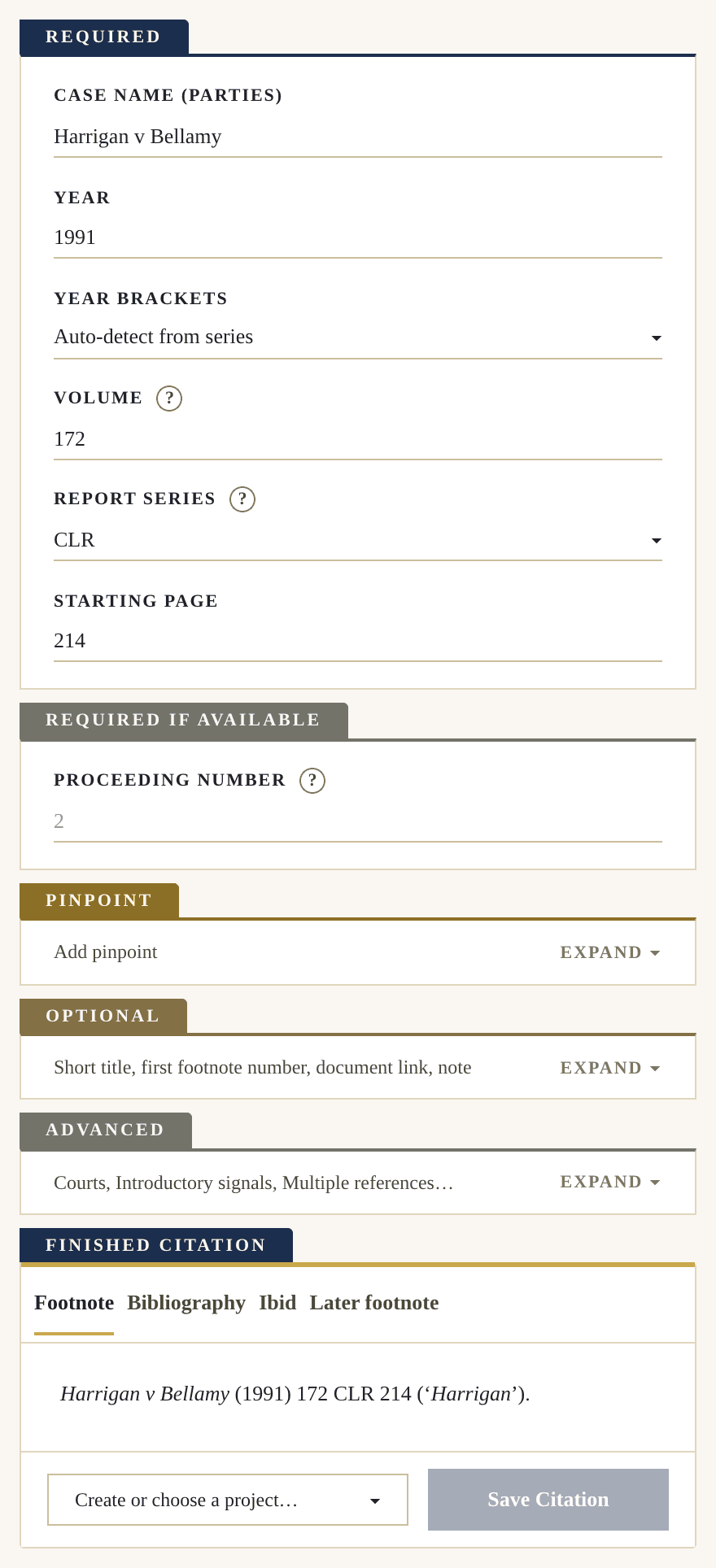
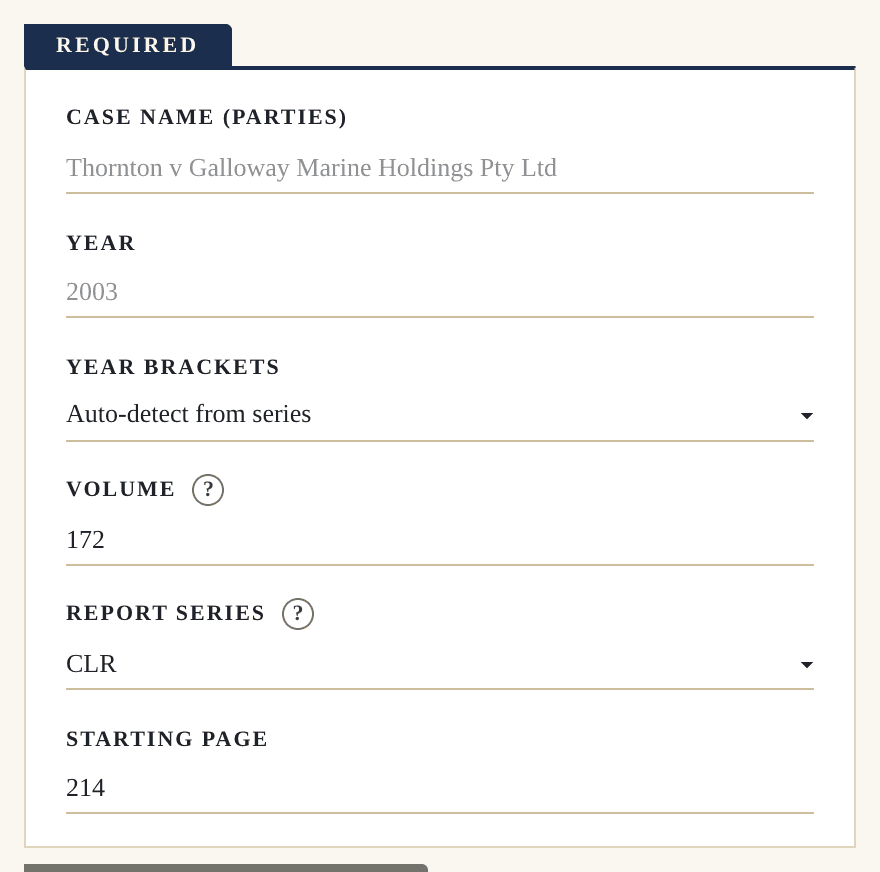
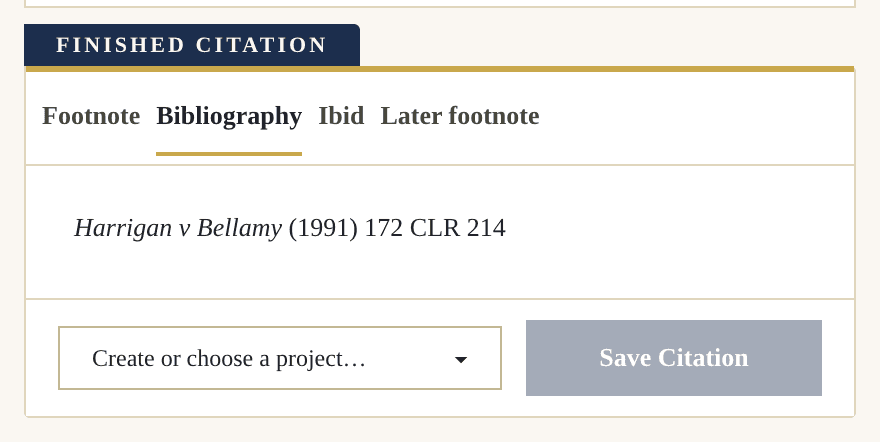
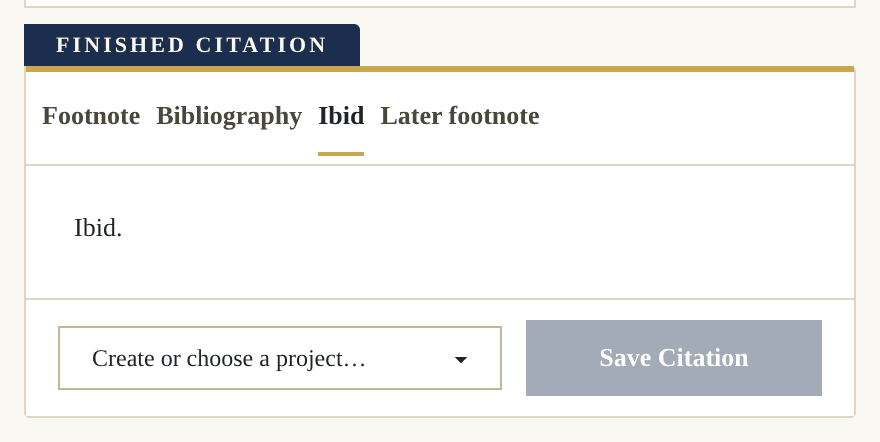
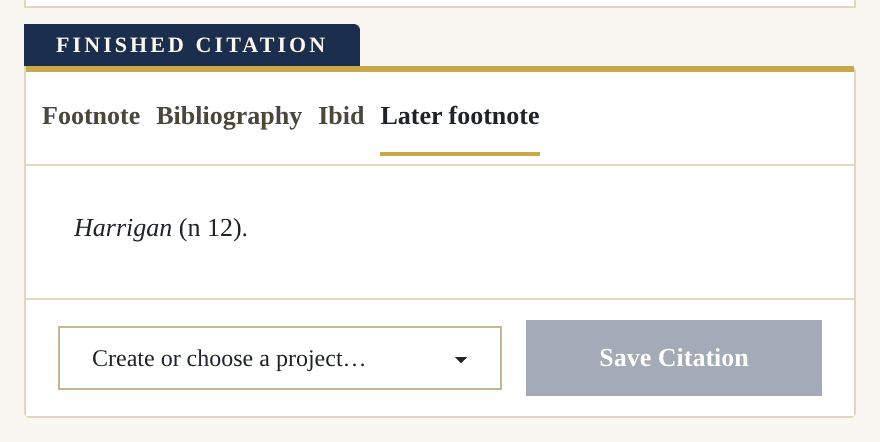
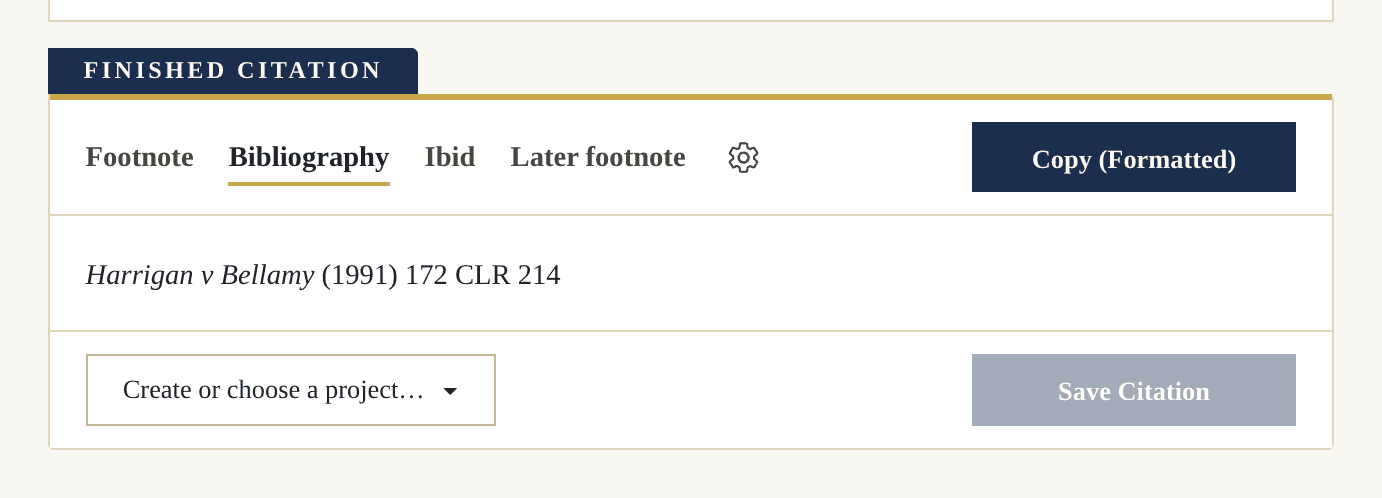
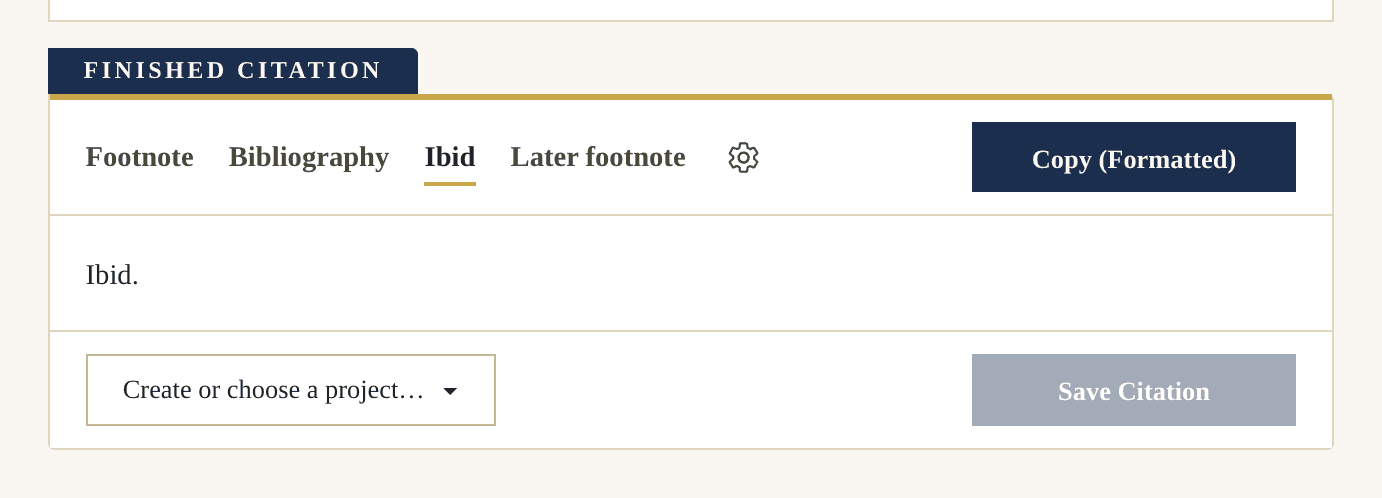
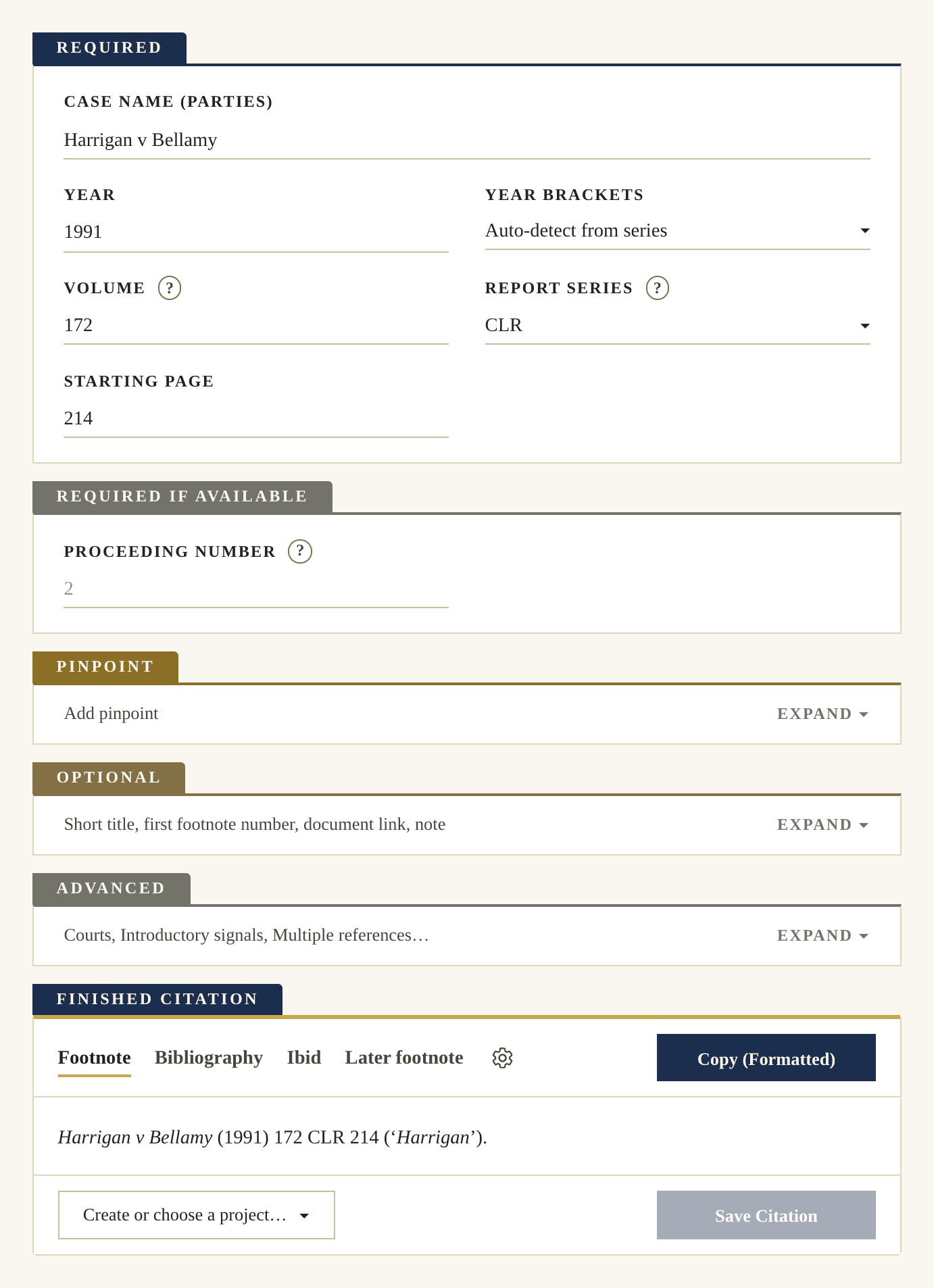
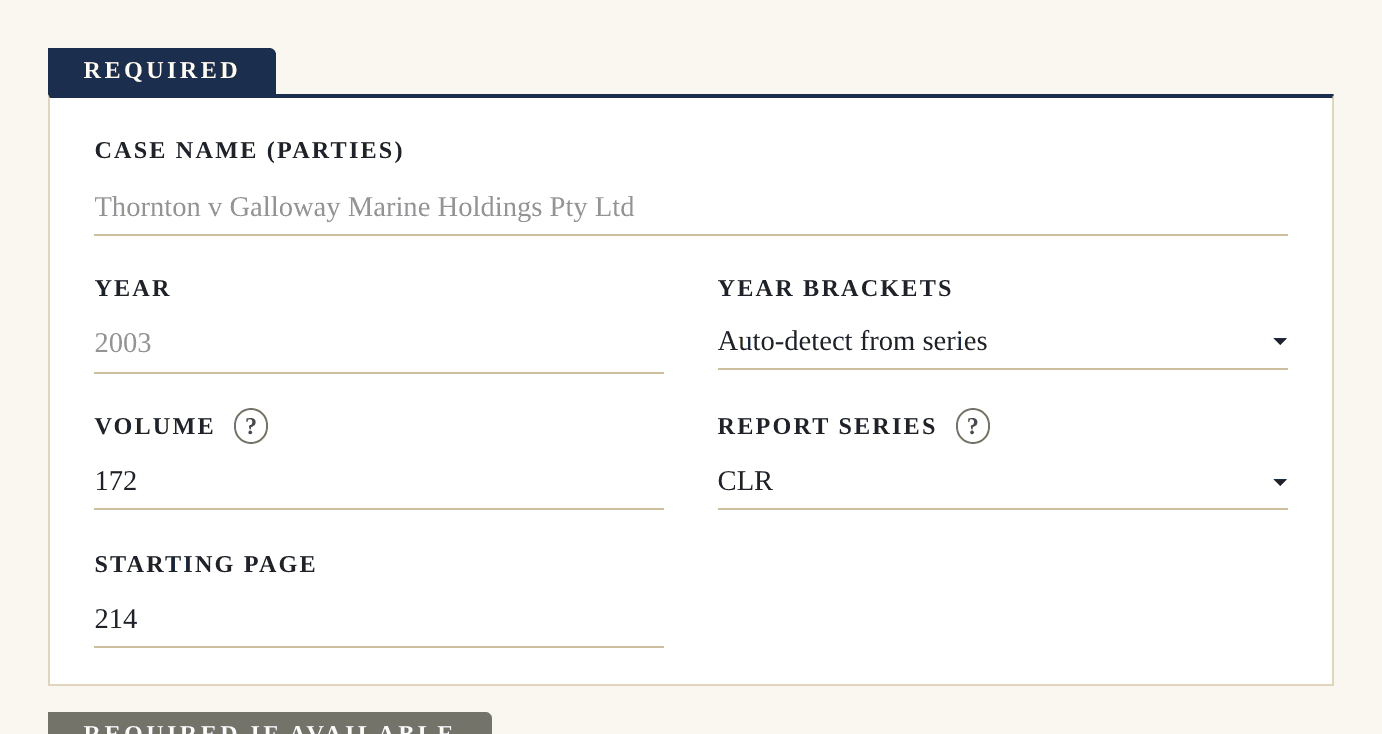
The whole Pincite generator for a reported case: the Required plate filled in, then the Pinpoint, Optional and Advanced plates, and at the foot the finished citation with its Footnote, Bibliography, Ibid and Later footnote tabs.
One-click bibliography
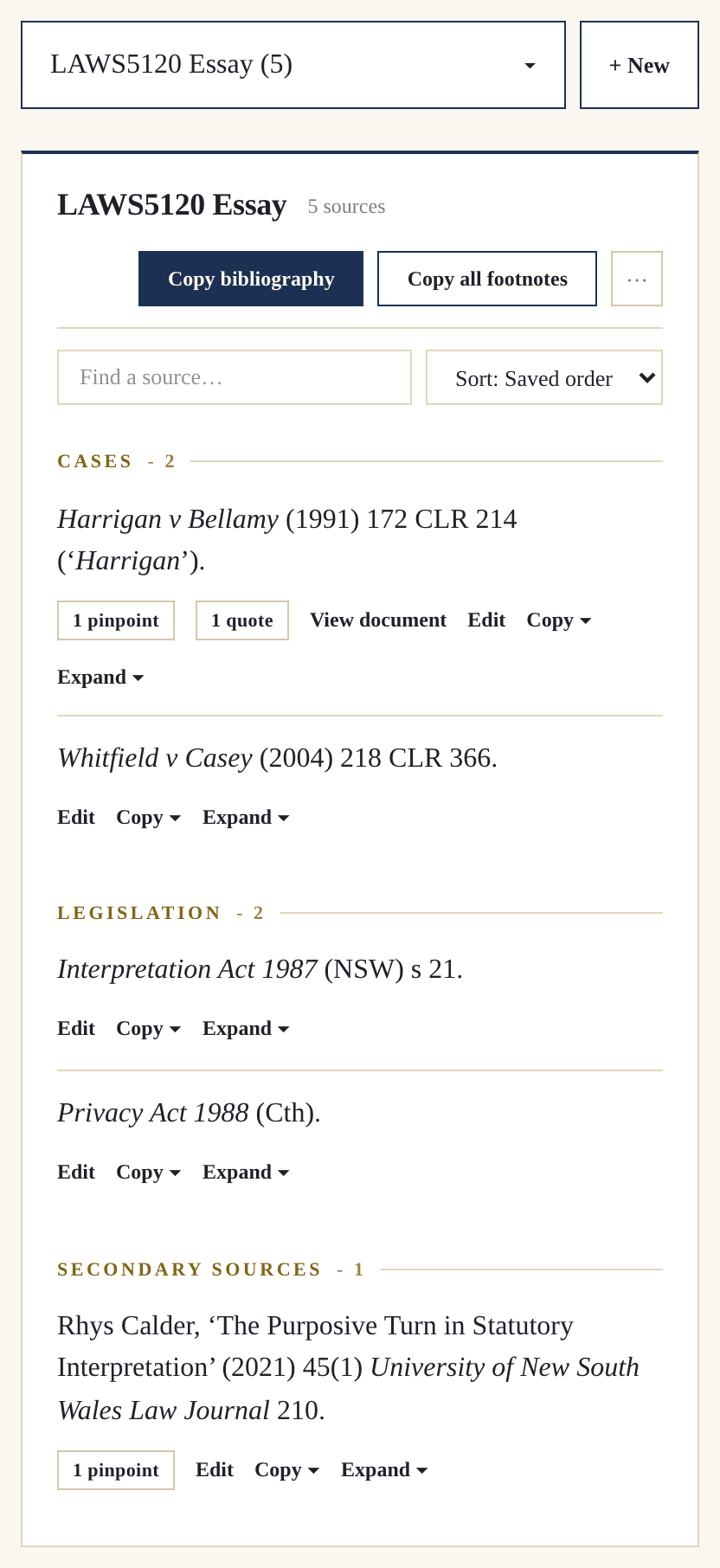
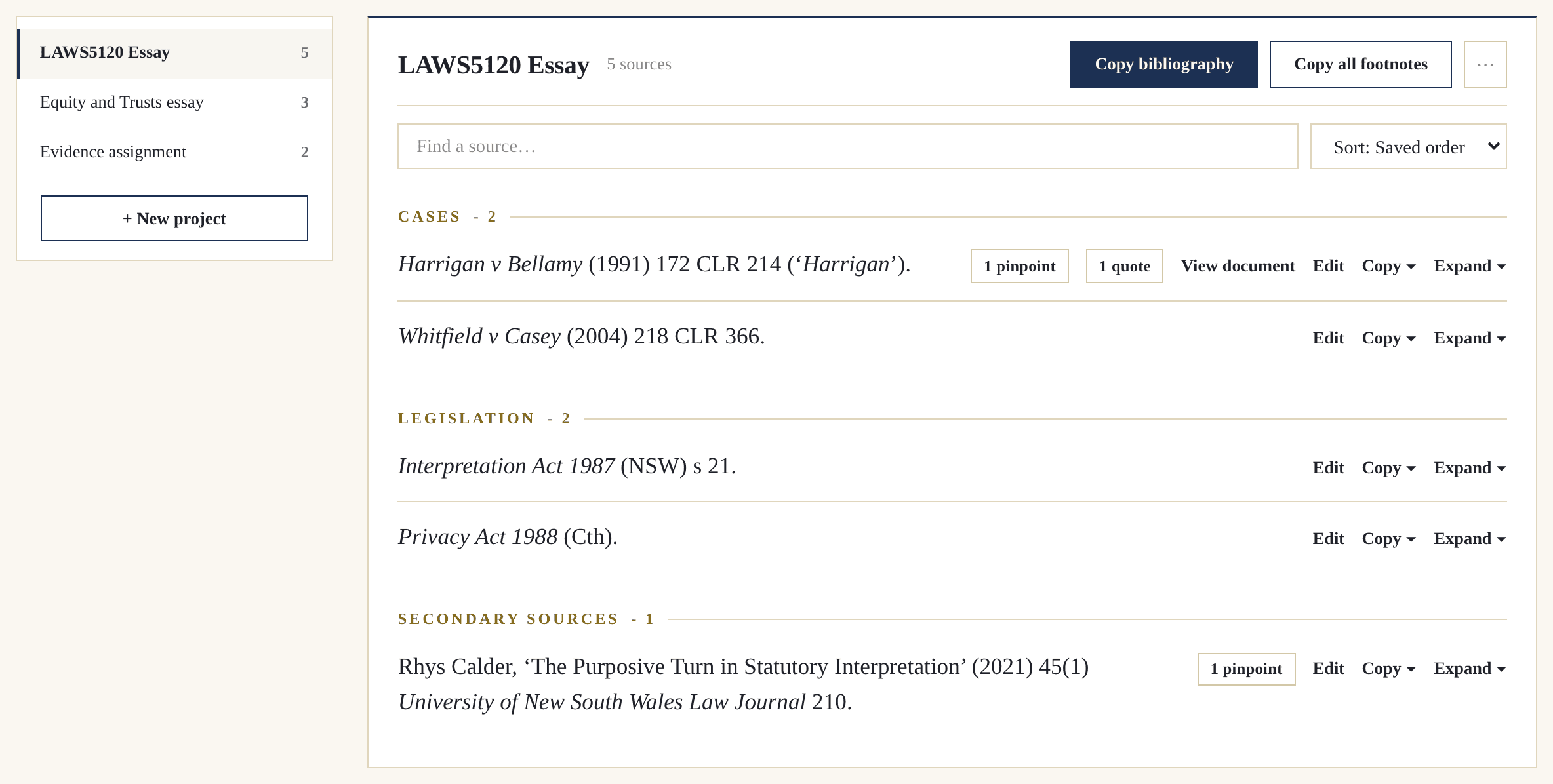
The Pincite projects page: an essay's saved sources grouped under Cases, Legislation and Secondary Sources, with a Copy bibliography button at the top of the project.
The projects page, the Copy bibliography button pressed, then a Word document where Paste is chosen from the right-click menu and the finished bibliography appears with its parts headed and every entry alphabetised.
Save everything to a project
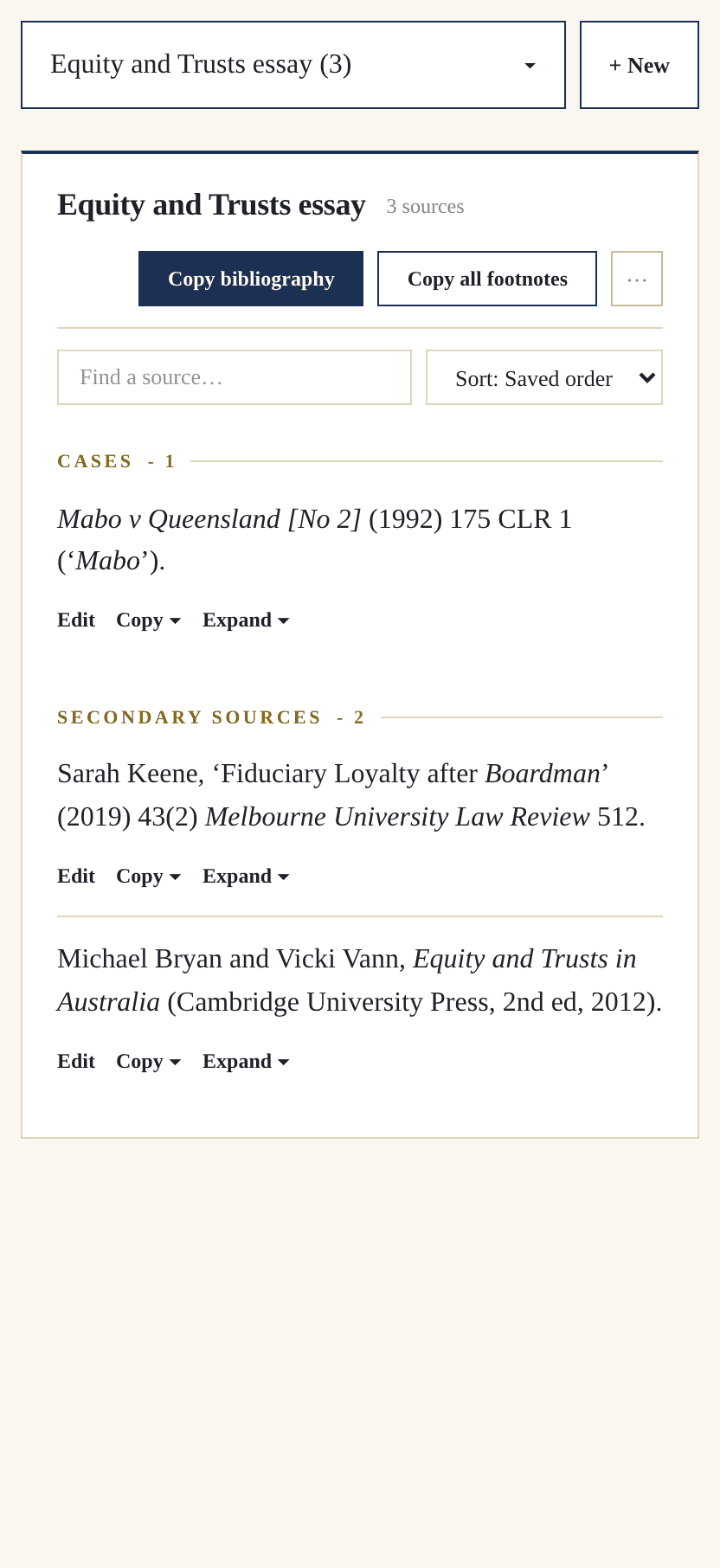
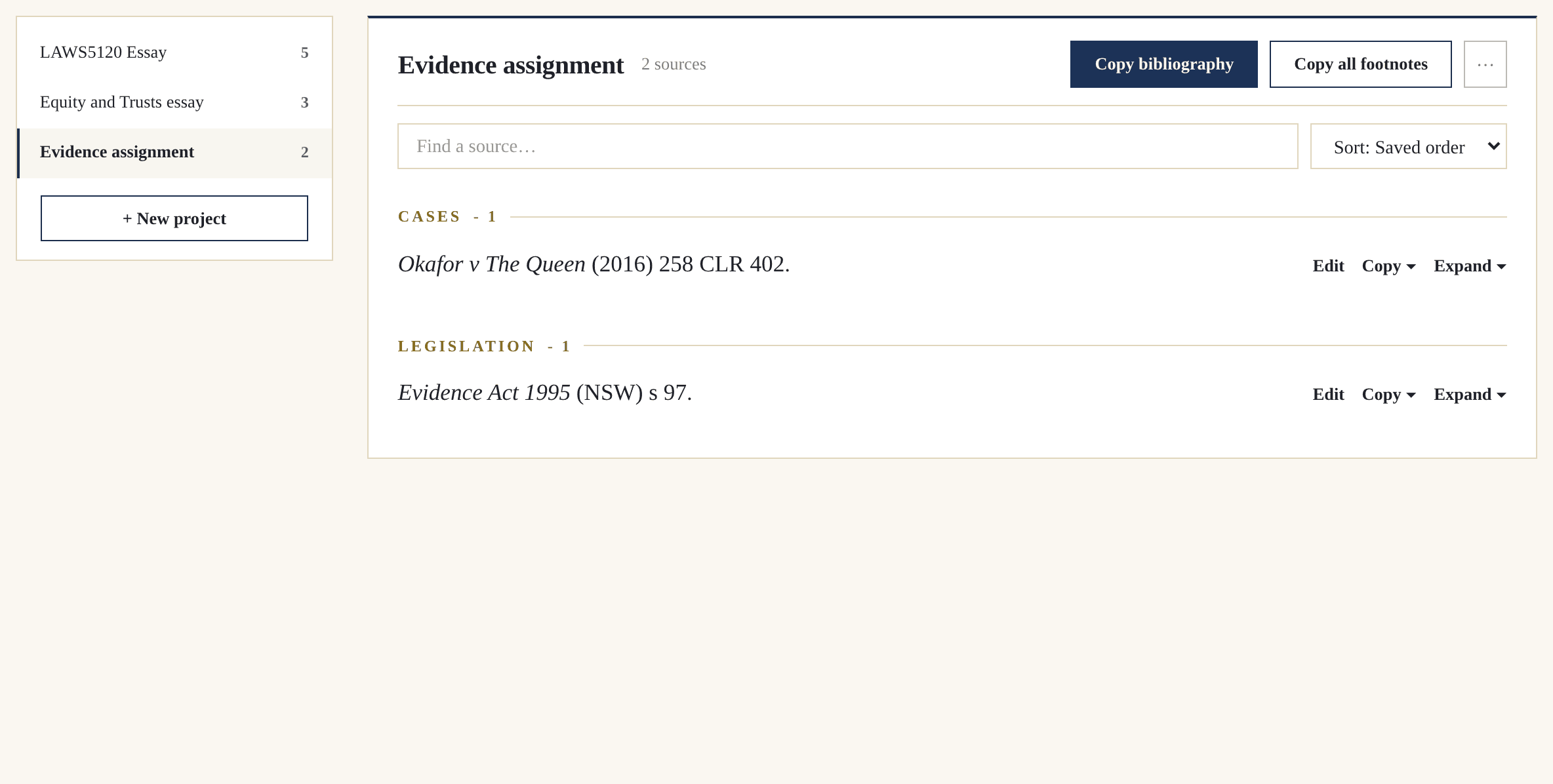
The Pincite projects workspace: a rail of assignments beside the open project's saved sources, grouped under Cases, Legislation and Secondary Sources, with Copy bibliography and Copy all footnotes at the top.
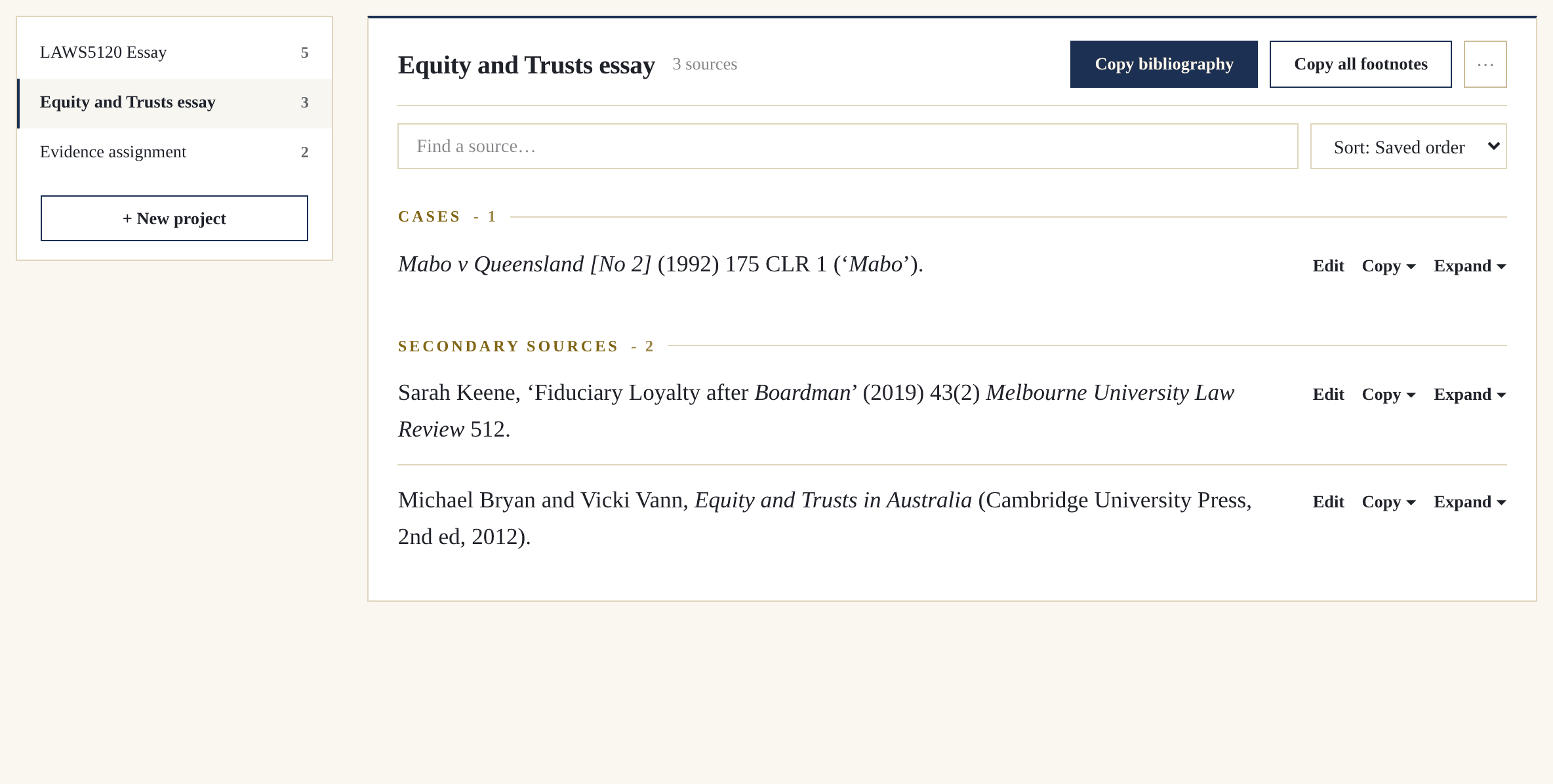
The projects pane, where choosing an assignment from the picker shows its own saved sources; a case is then expanded to its note, pinpoint and quotation, and a note is added to the quotation.

How Pincite Works

  • Choose from over 160 citation types, from reported cases to treaties, UN documents and foreign legislation. Your footnote, bibliography entry and later references are all created at once.

    Pincite’s advanced functions cover whatever a source needs, so a hard one is no harder than the rest.
    Citations
    The whole Pincite generator for a reported case: the Required plate filled in, then the Pinpoint, Optional and Advanced plates, and at the foot the finished citation with its Footnote, Bibliography, Ibid and Later footnote tabs.
  • Pinpoints carry their own notes, so each page keeps the reason it mattered. The Quotations tool marks the omissions, the alterations and the [sic], and sets a quote inline or indented by its length.
    Pinpoints & notes
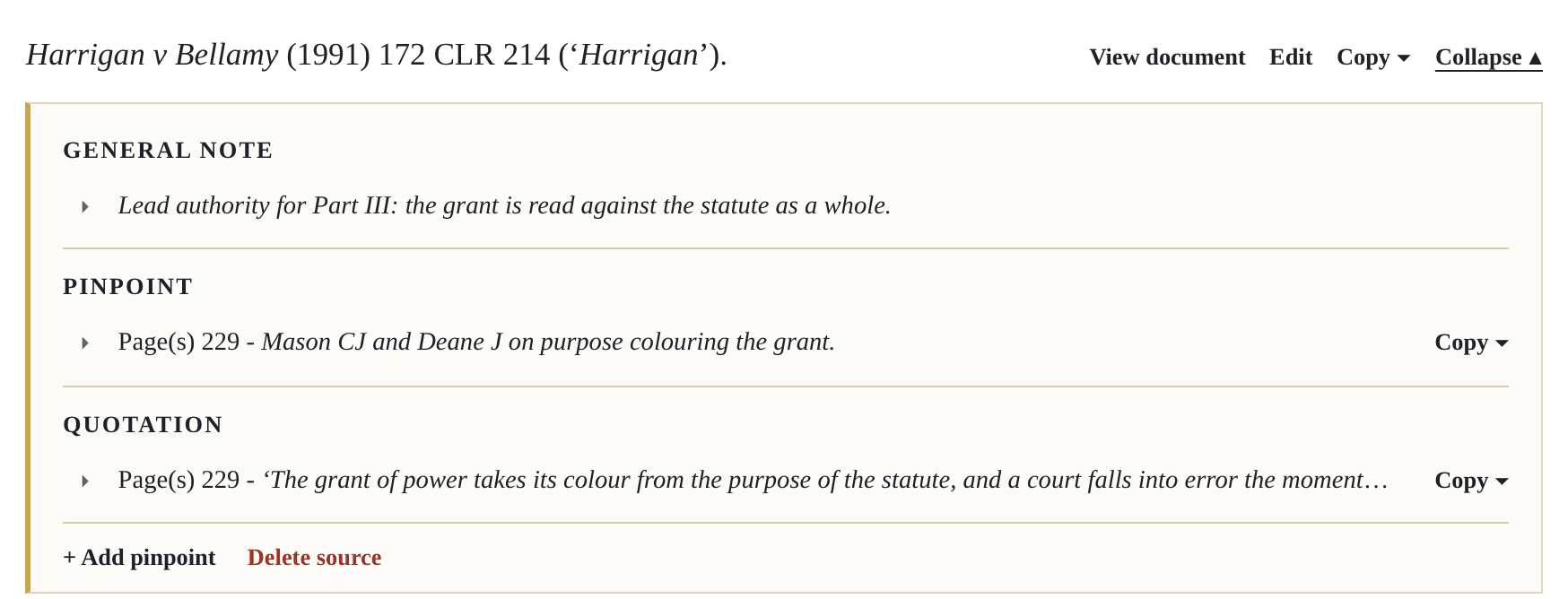
    One saved case opened in a Pincite project, close up: a general note on the source, a page pinpoint with its own note, and a quotation with its page, each filed under the case.
  • Every source, pinpoint, quotation and note is saved to a project, and each assignment keeps its own. A source is entered once and holds everything filed under it, and your work stays saved even if your subscription lapses.
    Projects
    The Pincite projects workspace: a rail of assignments beside the open project's saved sources, grouped under Cases, Legislation and Secondary Sources, with Copy bibliography and Copy all footnotes at the top.
  • One click groups every source under the correct AGLC4 headings, lettered and alphabetised. It copies with its formatting intact, so every italic lands in Word.

    Bibliography
    The Pincite projects page: an essay's saved sources grouped under Cases, Legislation and Secondary Sources, with a Copy bibliography button at the top of the project.
    The projects page, the Copy bibliography button pressed, then a Word document where Paste is chosen from the right-click menu and the finished bibliography appears with its parts headed and every entry alphabetised.