Build your footnotes
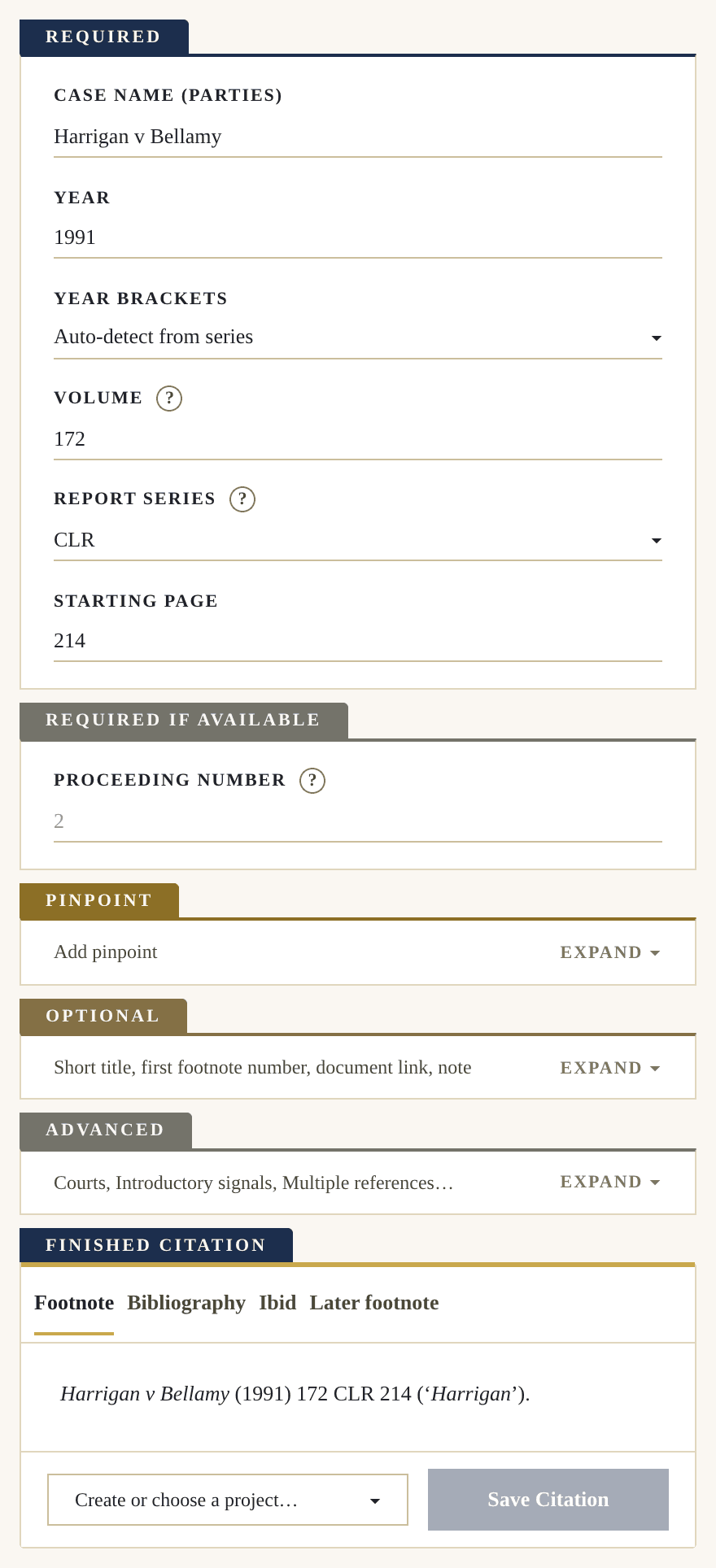
 Harrigan v Bellamy1991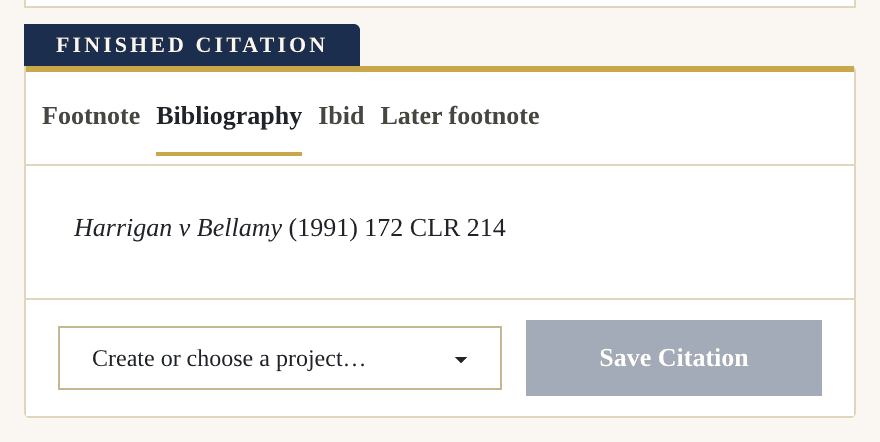
Designed for Australian PhD candidates, academics, thesis writers, journal editors, honours students and law students.Build complex footnotes, create bibliographies, manage pinpoints and quotations, all with Pincite.
Full access. Completely free. No card required.
Patricia Wellman, ‘Statutory Interpretation and Federalism’ (2018) 44(2) Melbourne Law Review 517, 522.
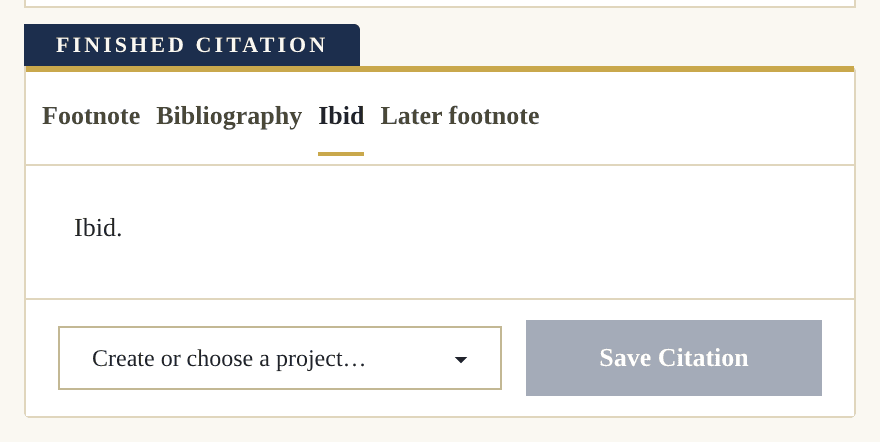
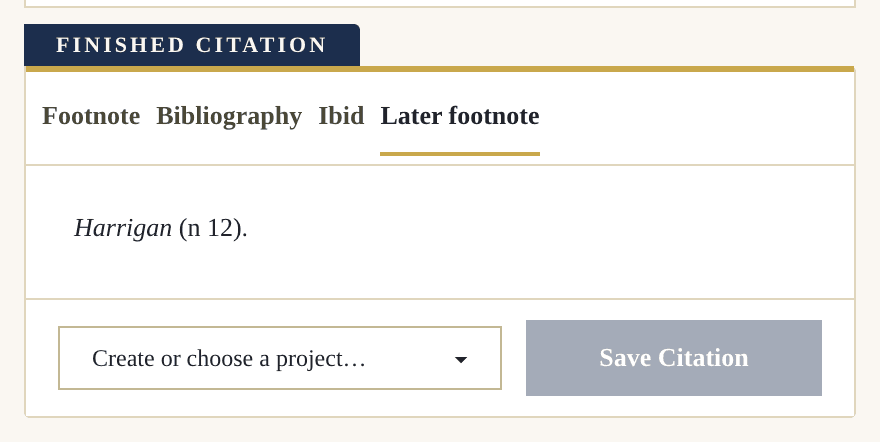
Wellman (n 12) 522.
Wellman, Patricia, ‘Statutory Interpretation and Federalism’ (2018) 44(2) Melbourne Law Review 517
No AIEasy to Use160+ citation types
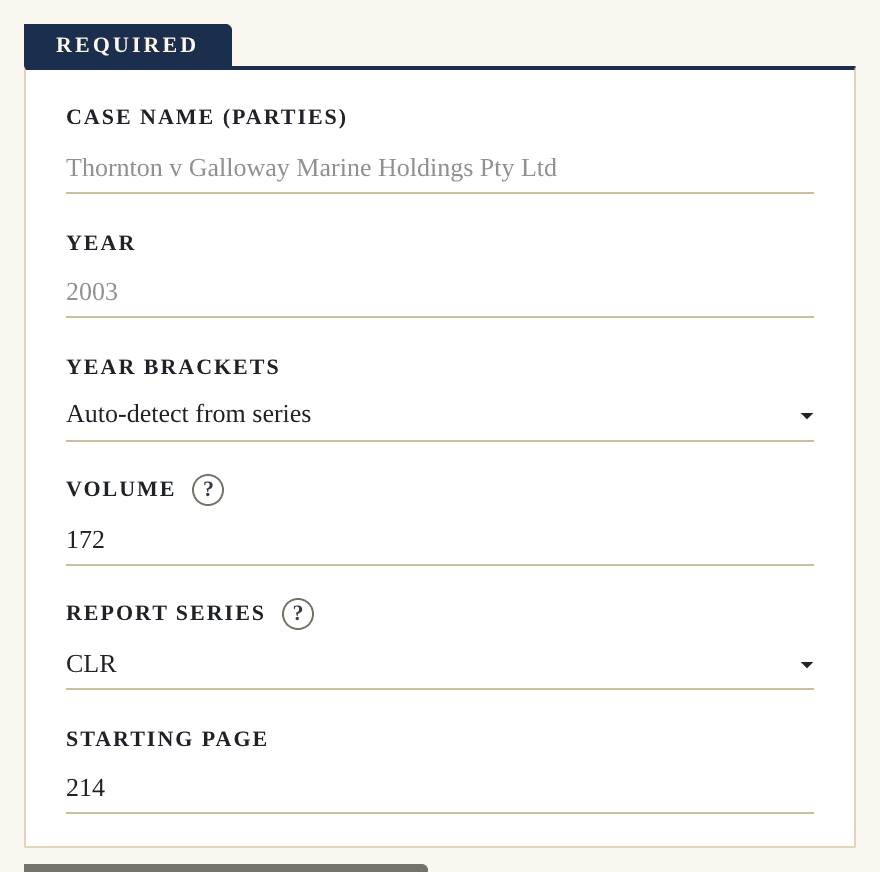
With Pincite, making accurate citations is as easy as filling out a form. You save time and get a result that can be relied on. Many errors are not obvious, and even with years of experience it is almost impossible to get it right every time. Save yourself the stress of footnoting, building bibliographies and organising your notes, and sign up for Pincite today.
The first AGLC4 citation generator that ACTUALLY WORKS, consistently and is easy to use and navigate.
Unbelievably helpful. Can't see any reason why you continue doing manual referencing when this tool gets rid of the possibility of mistakes.
Where was this at the start of my degree! The bibliography maker saves so much time, and it handles international sources amazingly.
Pincite is awesome and has become a staple tool for me. Other AGLC4 generators have always missed the mark but I have found Pincite to be accurate, reliable and really easy to use. I am also learning way more about the rules as I use it. The projects tool has been great in helping me manage my citations and research. The document index is also so useful to assist referencing obscure and unique sources. Overall, I highly recommend Pincite!
Love it! Saved me so much time this semester, really glad I found it.
Flawless AGLC4
With Pincite, making accurate citations is as easy as filling out a form. You save time and get a result that can be relied on. Many errors are not obvious, and even with years of experience it is almost impossible to get it right every time. Save yourself the stress of footnoting, building bibliographies and organising your notes, and sign up for Pincite today.
Not ready to start? Leave your email and we will send you a link, so Pincite is easy to find.
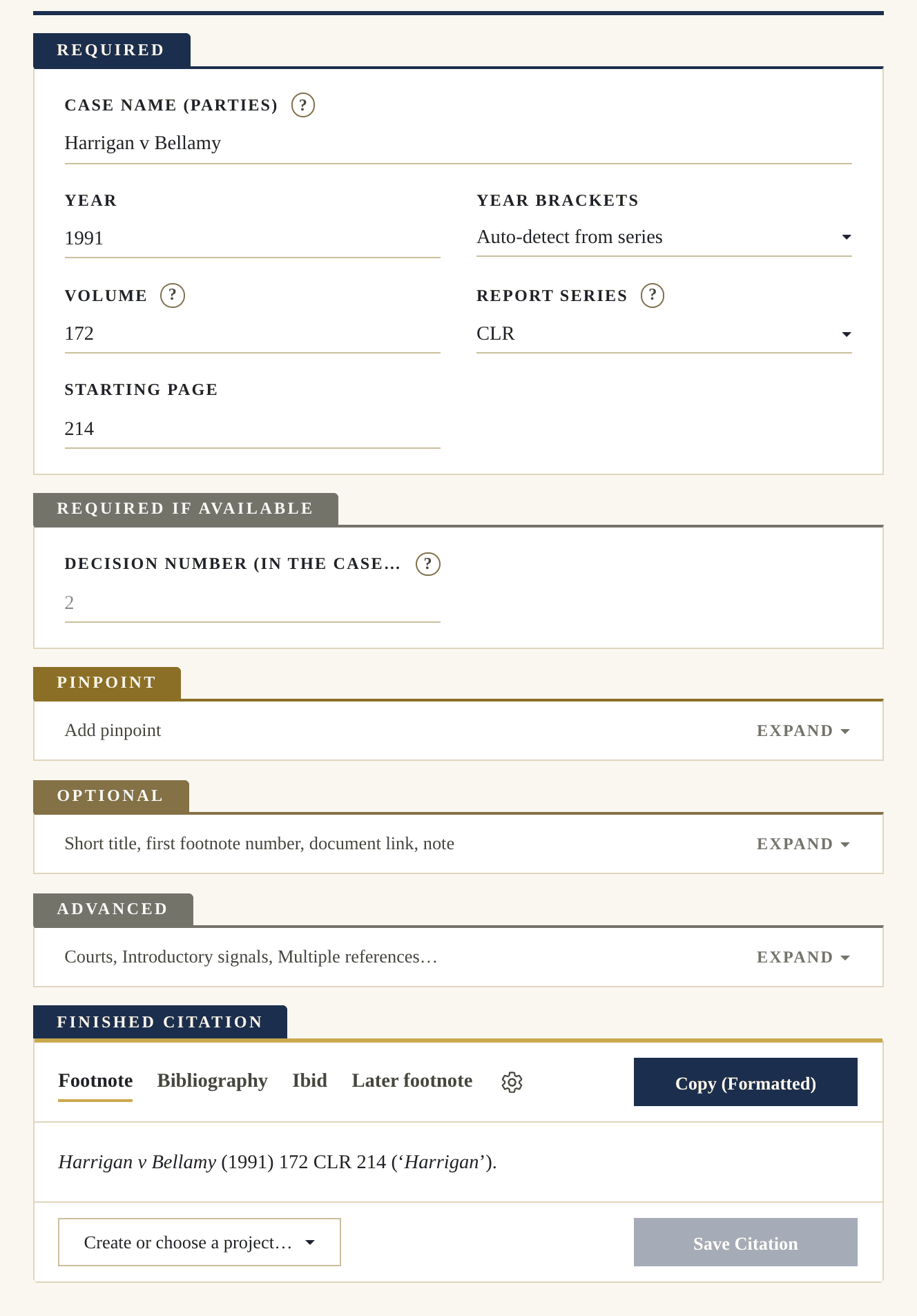
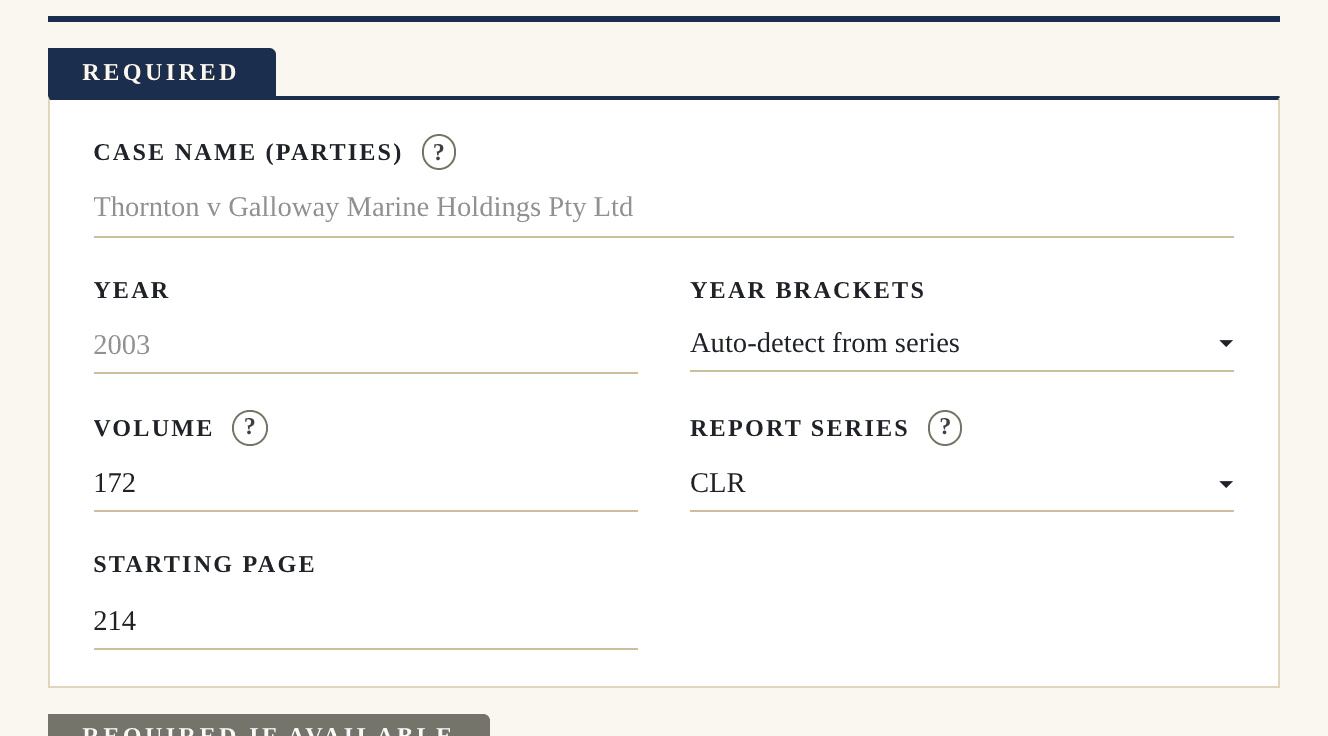
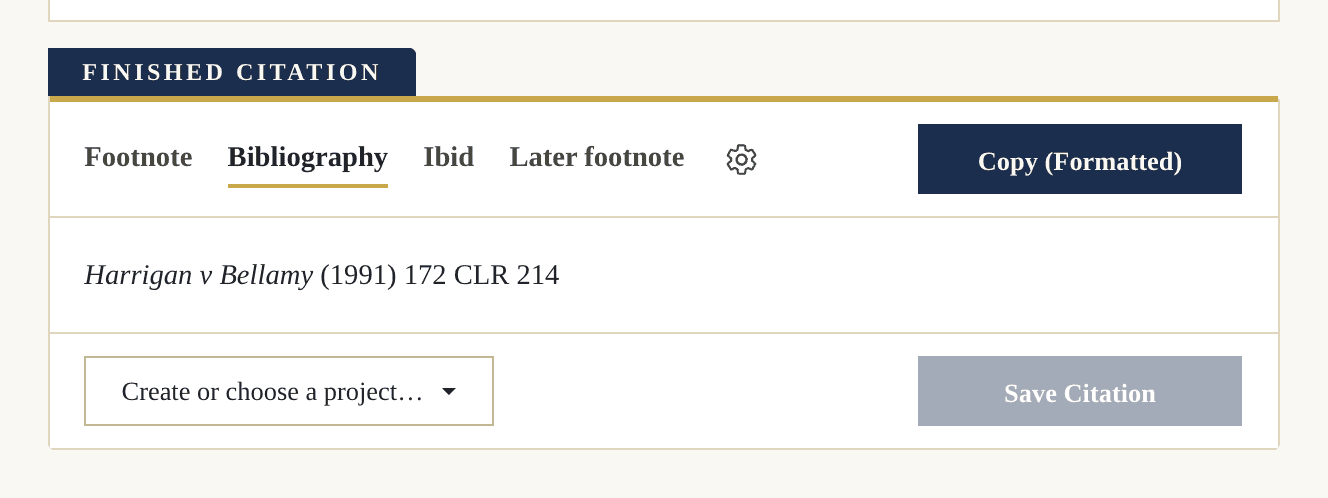
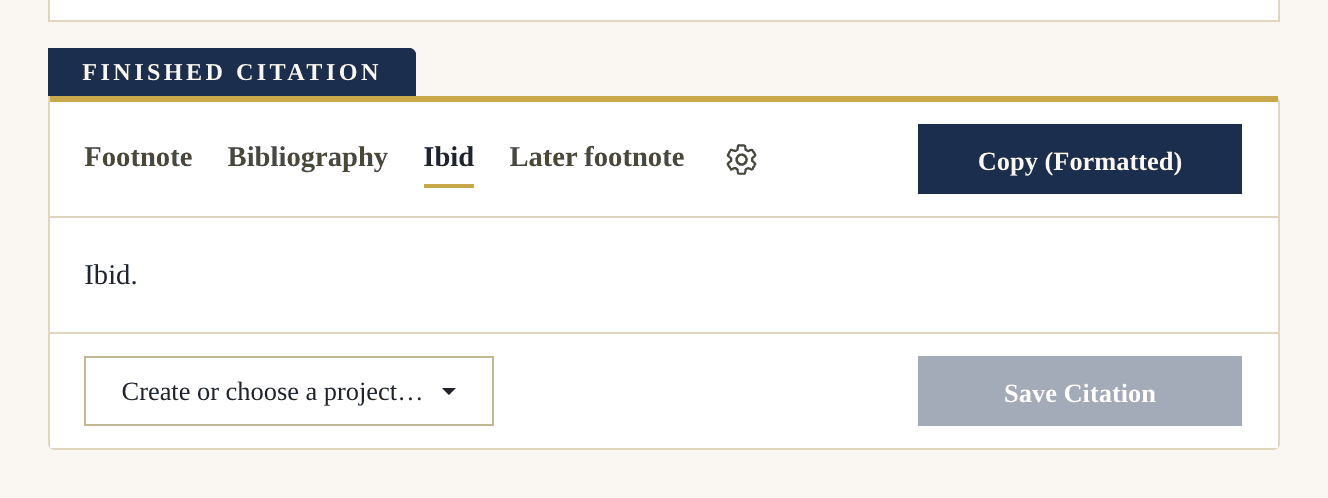
Choose from over 160 citation types, from reported cases to treaties, UN documents and foreign legislation. Your footnote, bibliography entry and later references are all created at once.
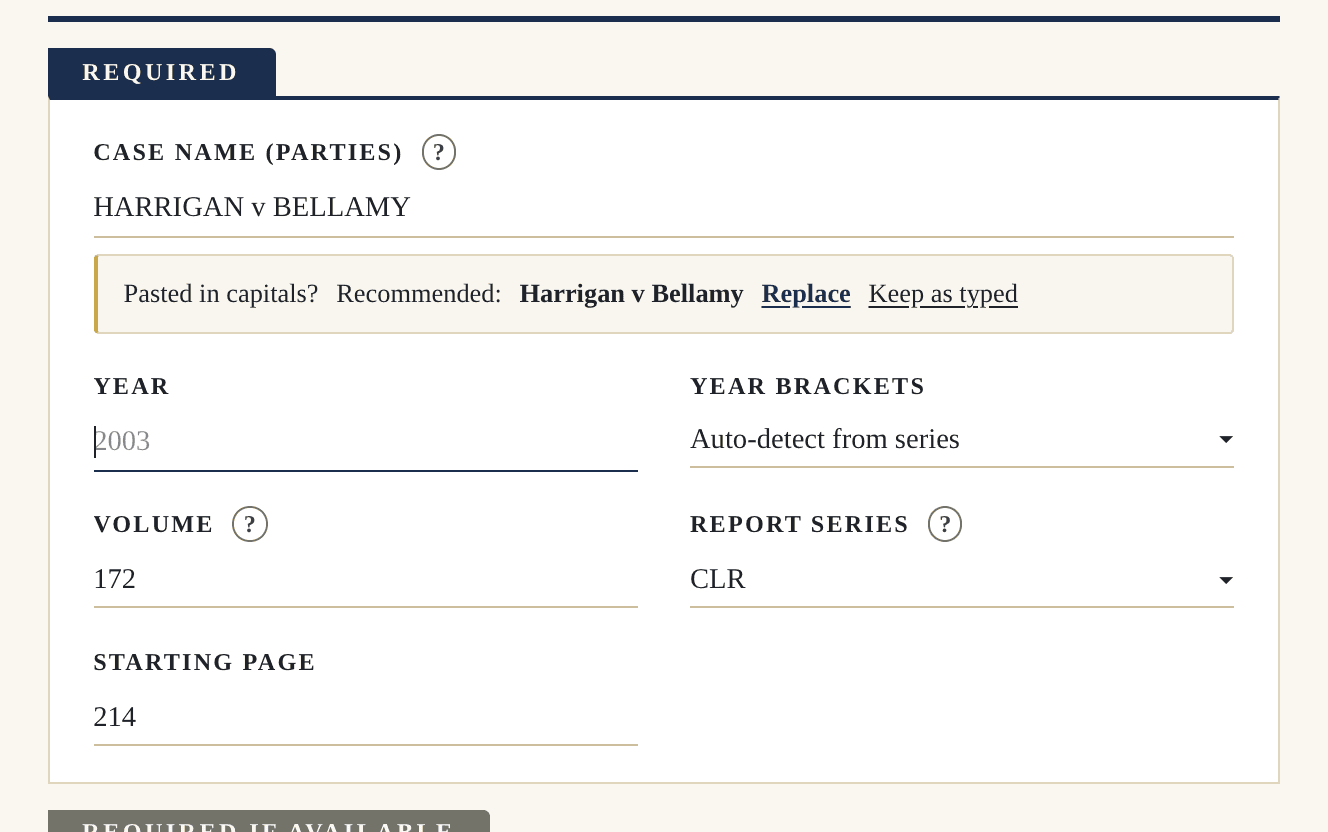
Pincite picks up errors as you type and recommends the correction, so your references come out perfect every time.
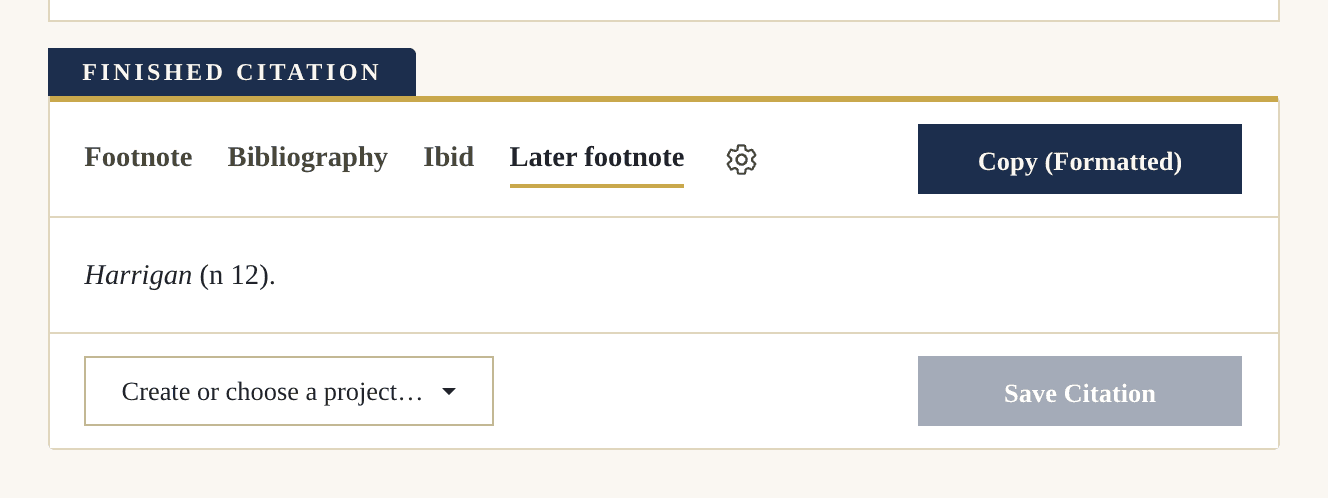
With every source, you can save the specific quotes you are using, or pinpoints. Attach notes to them to keep track of your thoughts.
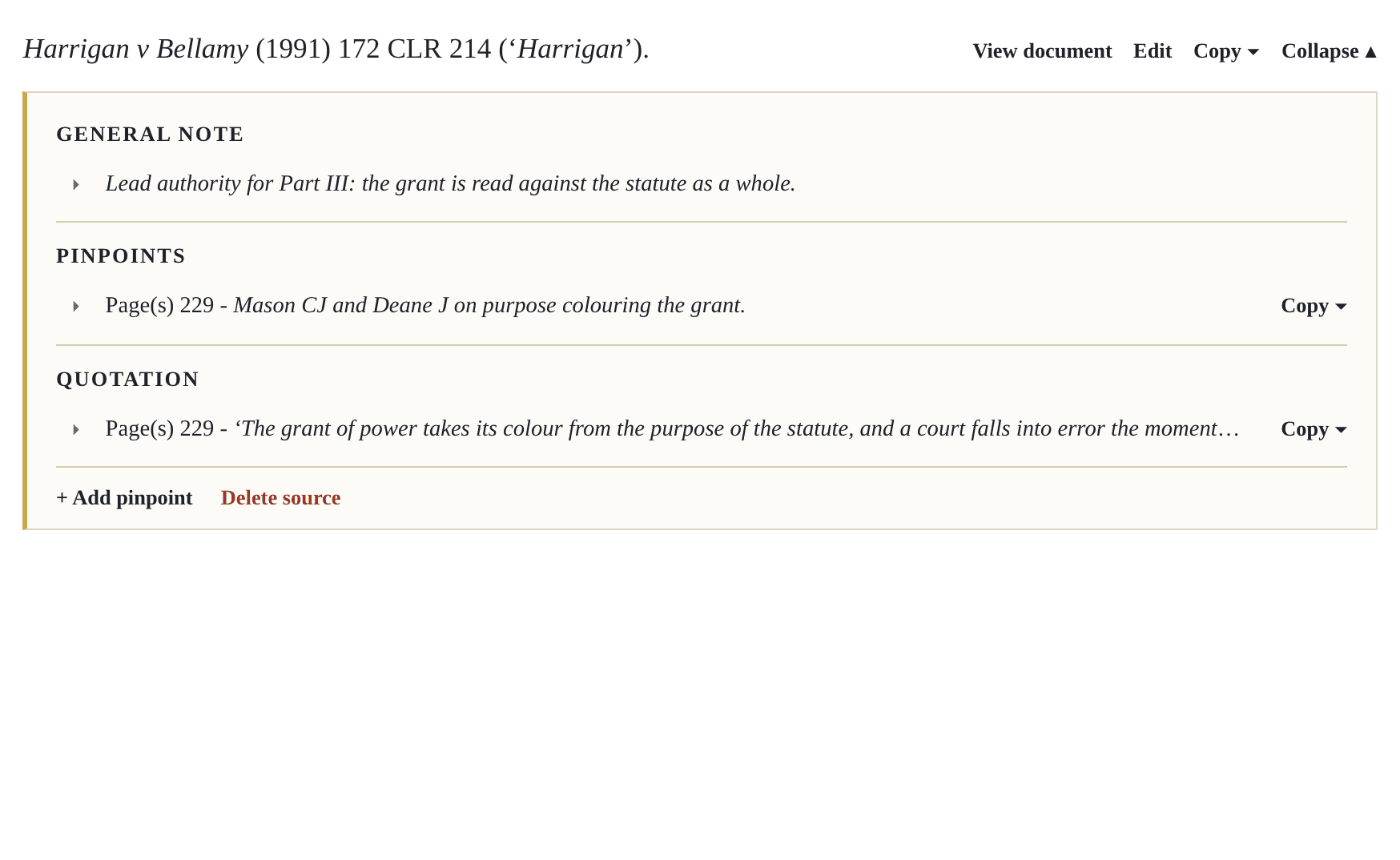
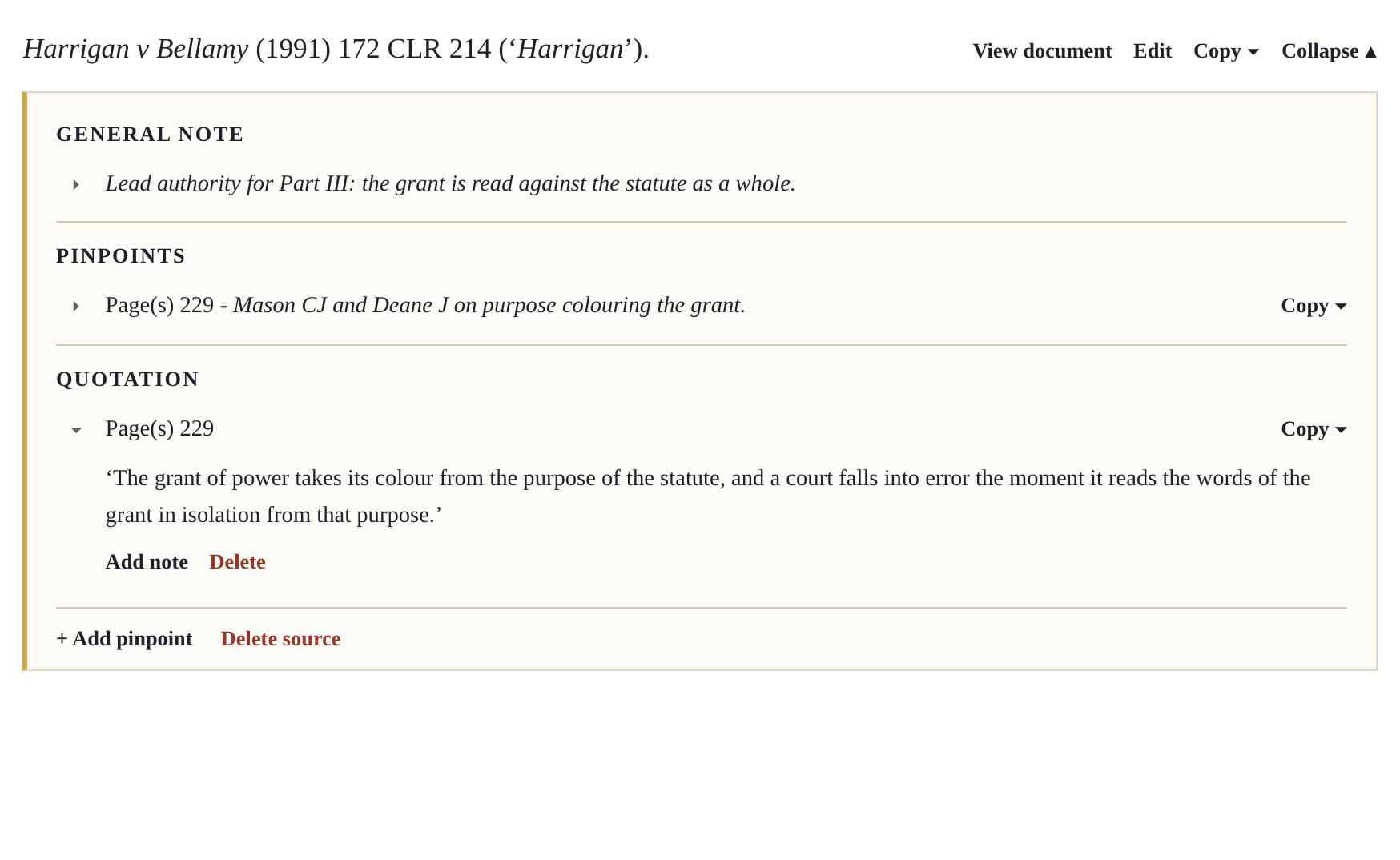
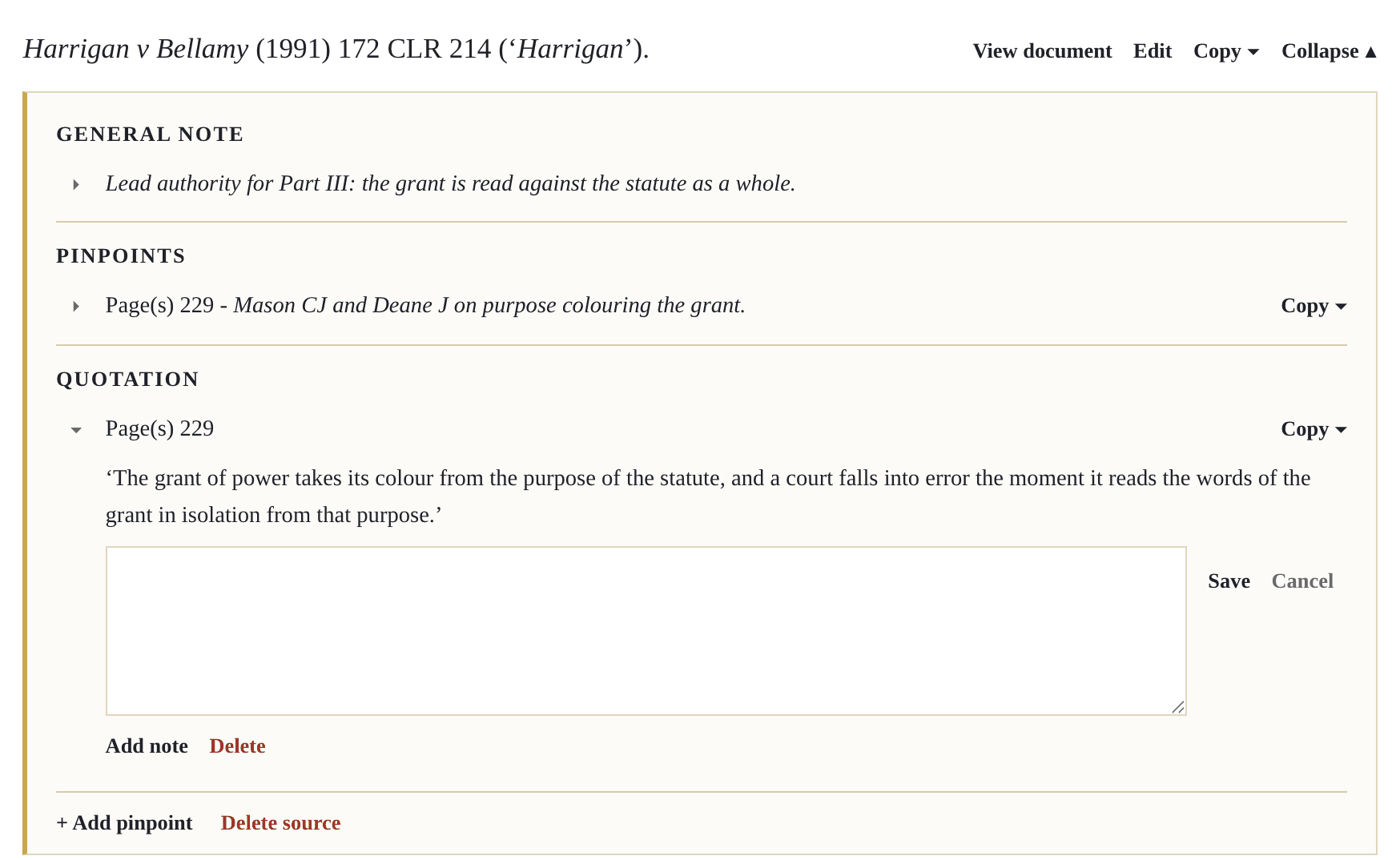
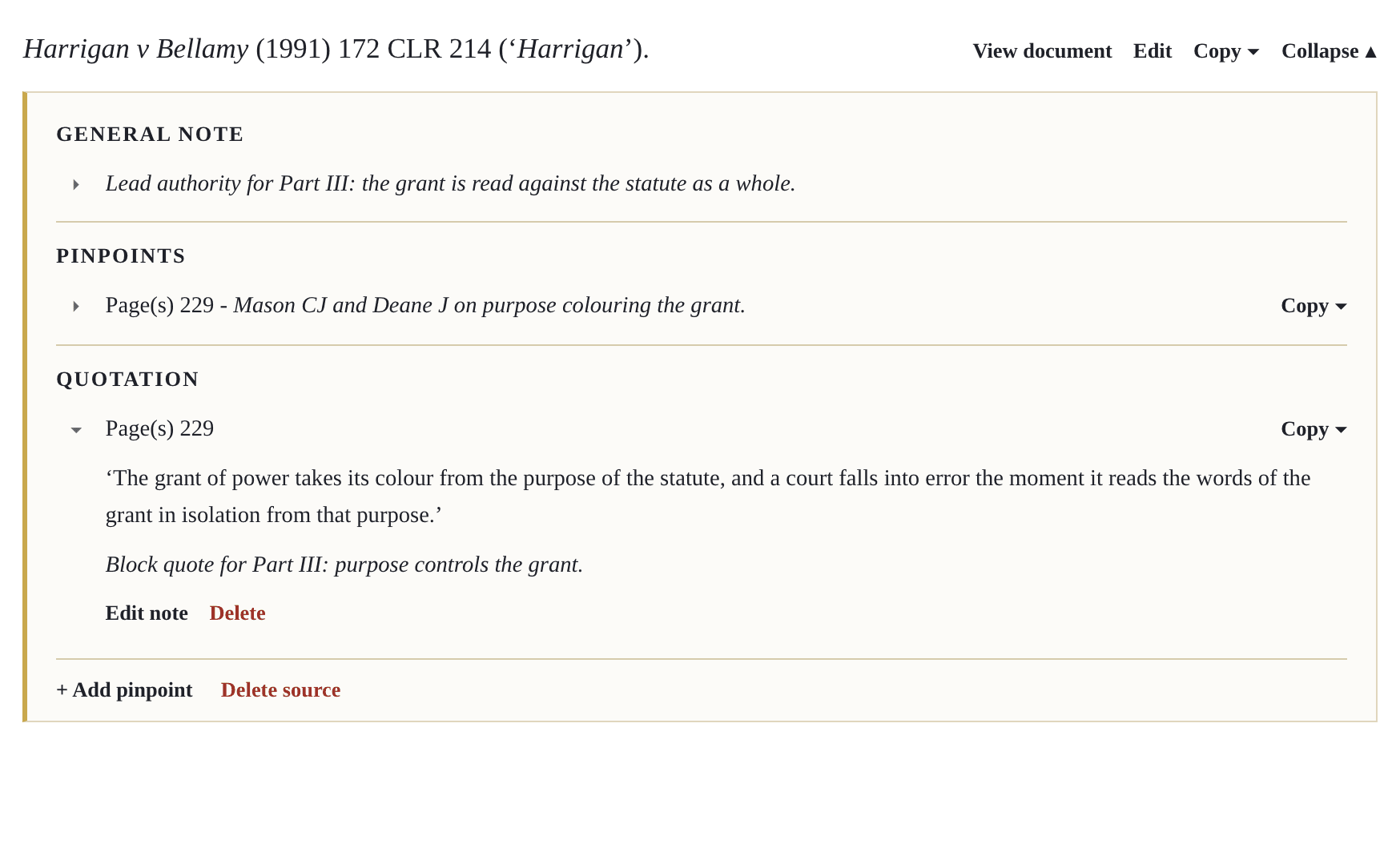
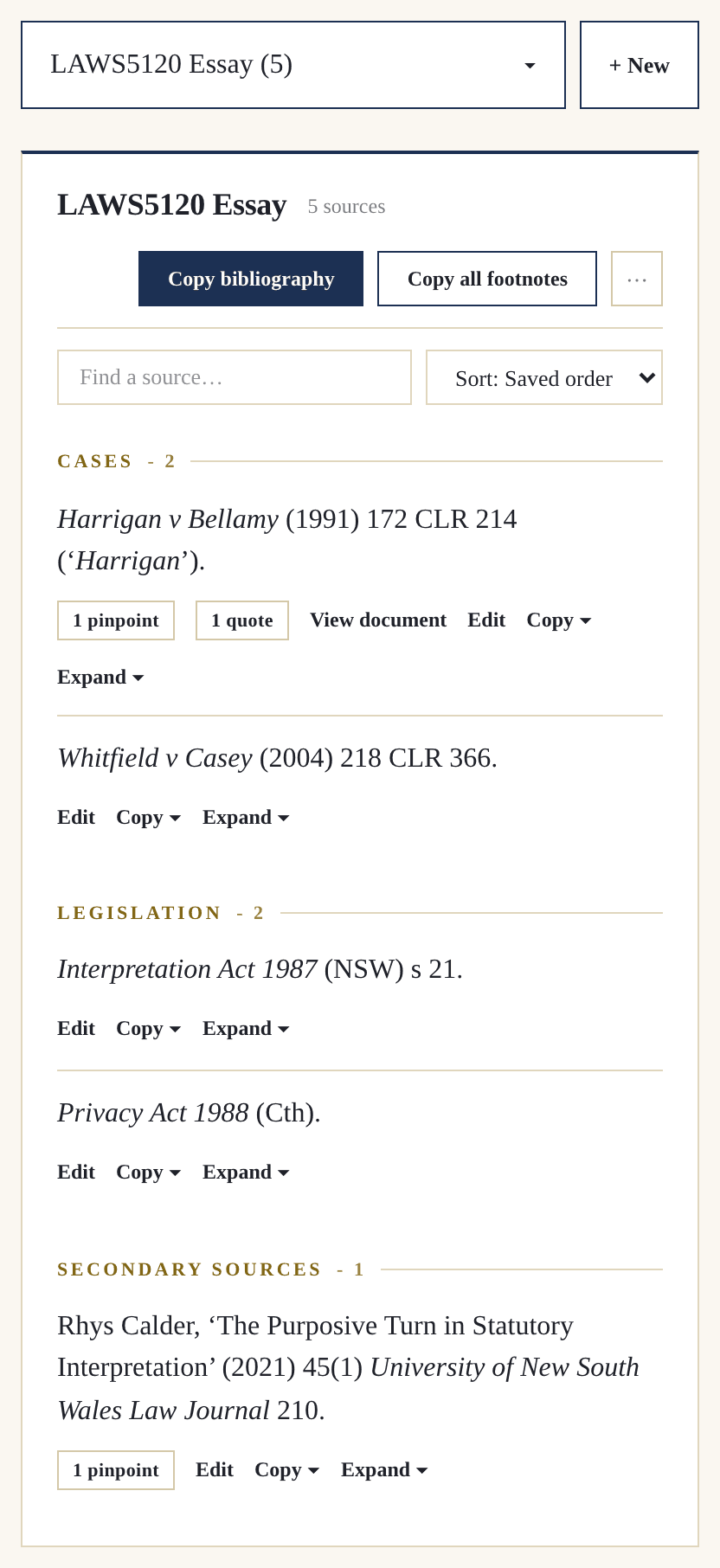
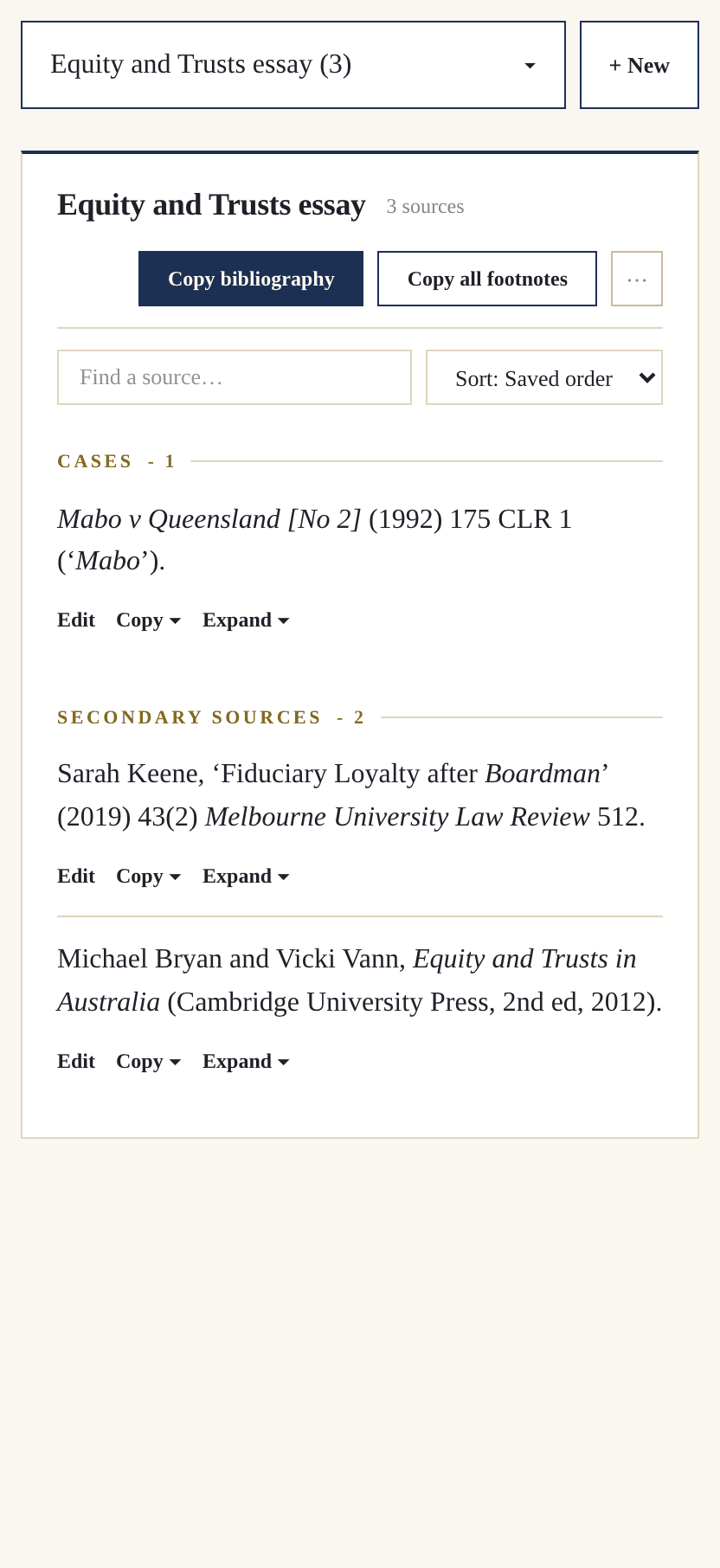
Every source, pinpoint, quotation and note is saved to a project, keeping everything neat and organised.
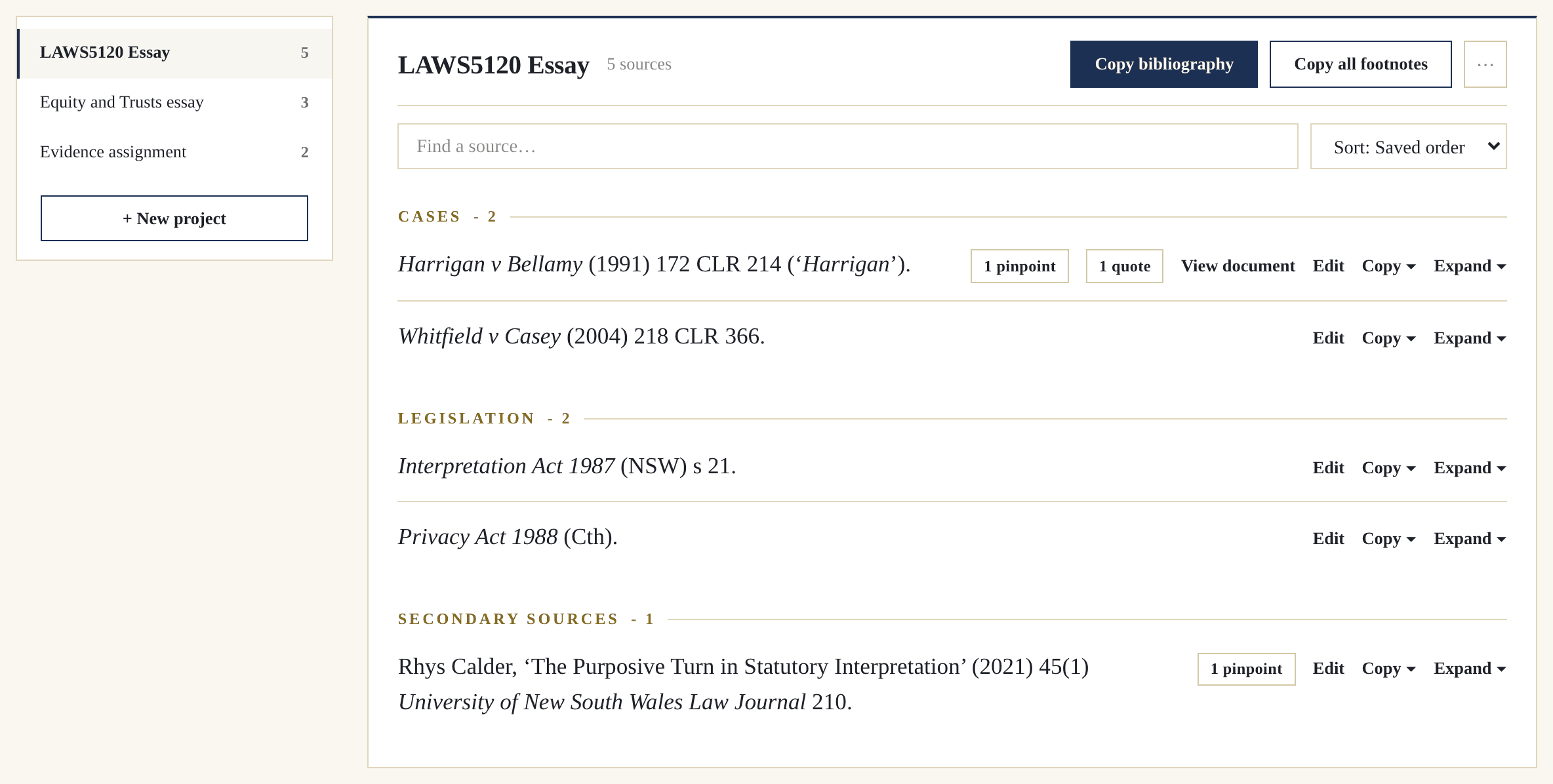
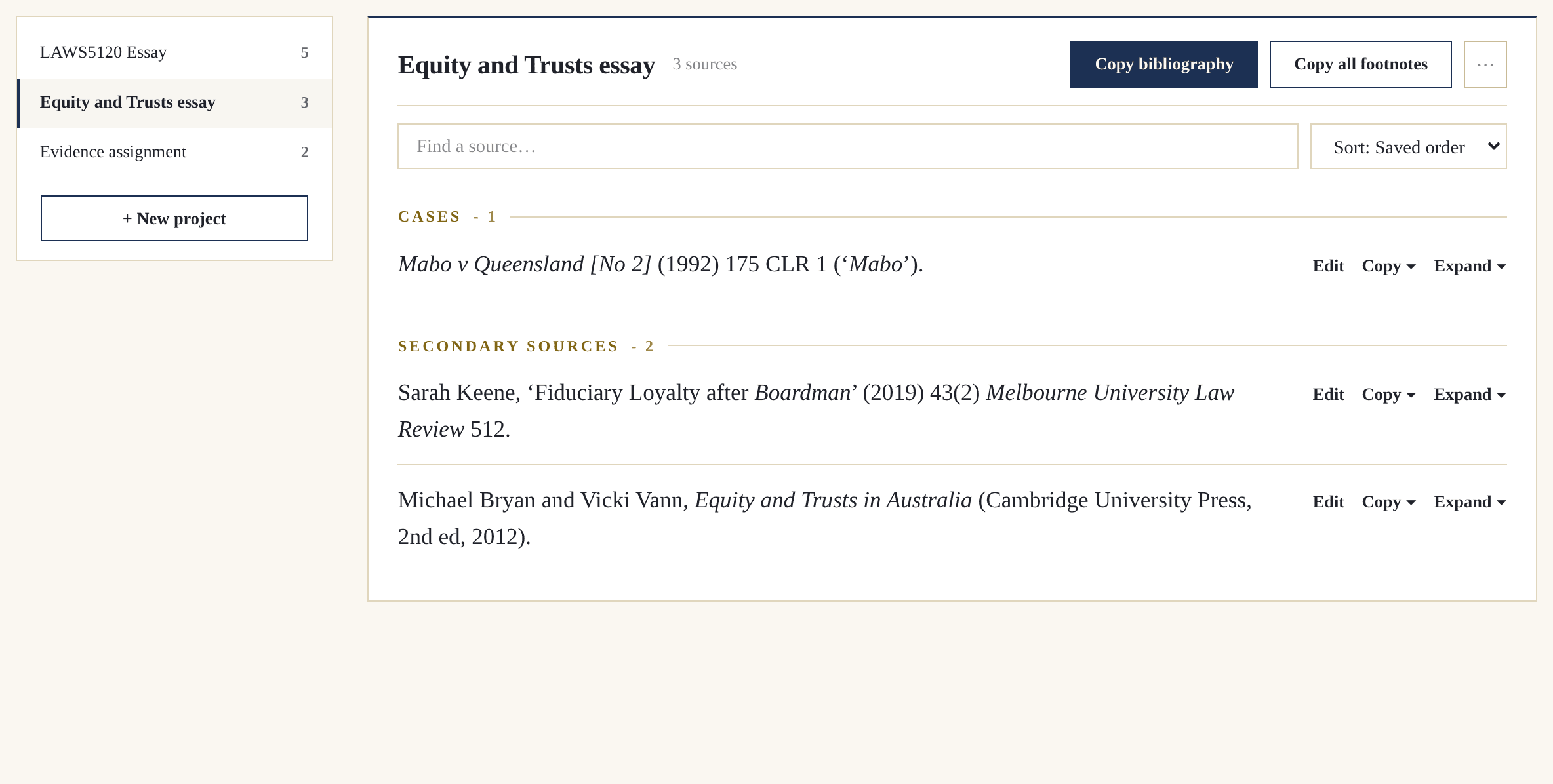
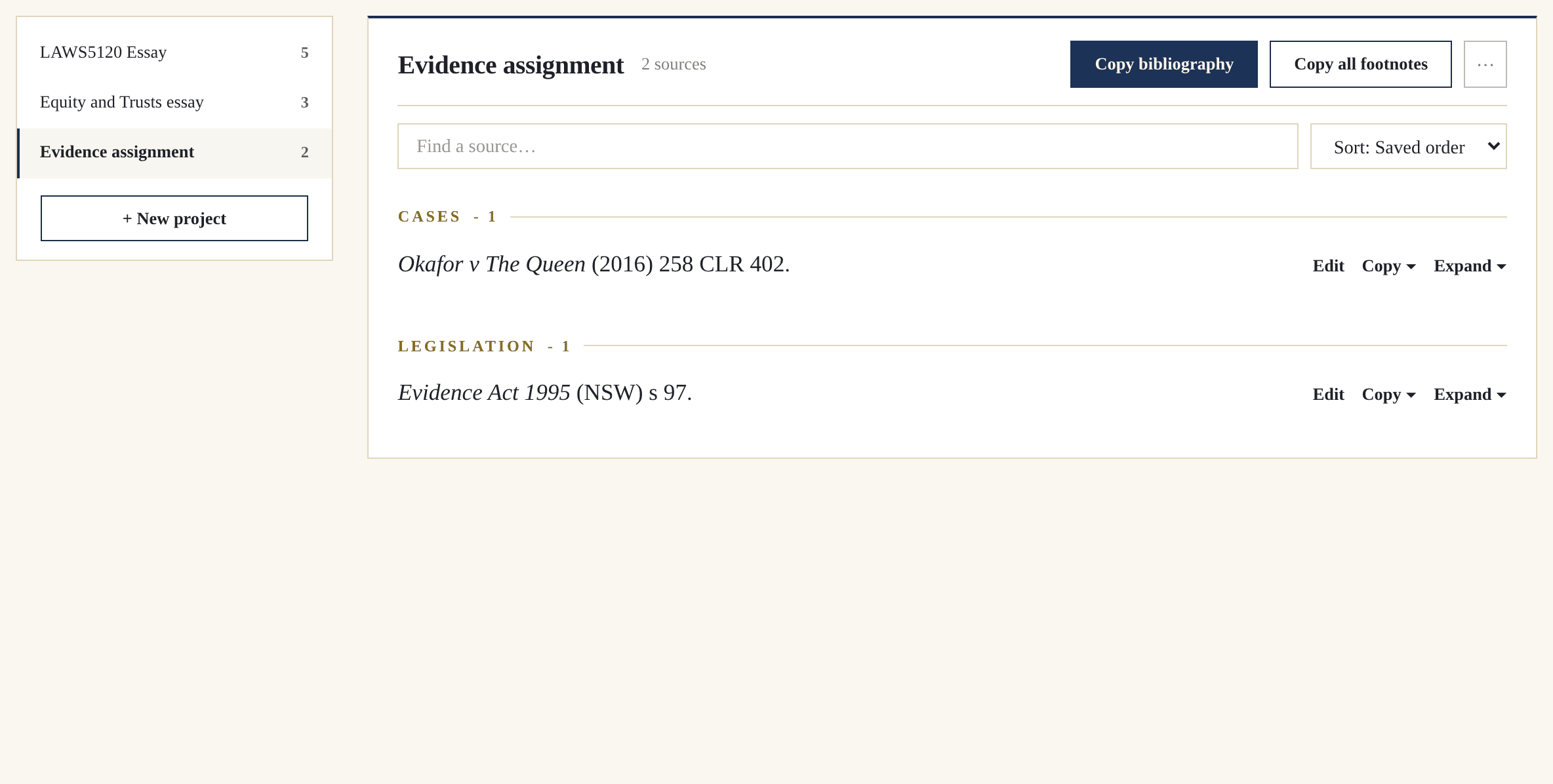
One click groups every source under the correct AGLC4 headings, lettered and alphabetised. It copies with its formatting intact, so every italic lands in Word.
Pincite is awesome and has become a staple tool for me. Other AGLC4 generators have always missed the mark but I have found Pincite to be accurate, reliable and really easy to use. I am also learning way more about the rules as I use it. The projects tool has been great in helping me manage my citations and research. The document index is also so useful to assist referencing obscure and unique sources. Overall, I highly recommend Pincite!
Unbelievably helpful. Can't see any reason why you continue doing manual referencing when this tool gets rid of the possibility of mistakes.
Where was this at the start of my degree! The bibliography maker saves so much time, and it handles international sources amazingly.
The first AGLC4 citation generator that ACTUALLY WORKS, consistently and is easy to use and navigate.
Love it! Saved me so much time this semester, really glad I found it.
Flawless AGLC4

